Loading
Get Secective Services In Milwaukee Form
How it works
-

Open form follow the instructions
-

Easily sign the form with your finger
-

Send filled & signed form or save
How to fill out the Selective Service in Milwaukee Form online
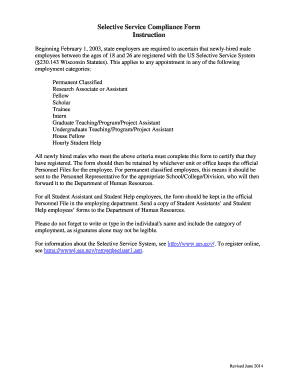
Completing the Selective Service Compliance Form is an important step for newly hired male employees between the ages of 18 and 26. This guide provides clear and supportive instructions on how to fill out the form accurately and efficiently online.
Follow the steps to complete the form online
- Click ‘Get Form’ button to access the form and open it in your online document editor.
- Identify the correct employment category by selecting one of the options: Classified, Unclassified, or Student Hourly.
- Check the box indicating whether you certify that you are registered for the Selective Service or that you are not required to register, providing appropriate justification.
- If you are not required to register, select the correct reason from the provided options, ensuring to mark the box next to your choice.
- Enter your date of birth in the designated field for accurate record keeping.
- Provide your printed name and the department you are associated with in the designated areas.
- Sign and date the form to affirm that the information you have provided is true and correct.
- Once all necessary fields are filled, save your changes to the form. You can also download, print, or share the completed form as required.
Complete your Selective Service Compliance Form online today to ensure a smooth employee onboarding process.
Related links form
Go to https://www.sss.gov/ and click on Check Registration. Click on Verify Now. Enter your information in the Online Registration Search grid.