Loading
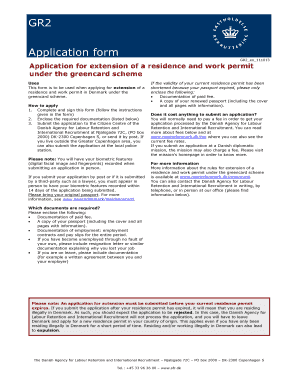
Get Gr2 Application Form
How it works
-

Open form follow the instructions
-

Easily sign the form with your finger
-

Send filled & signed form or save
How to fill out the Gr2 Application Form online
Completing the Gr2 Application Form online is an essential step for individuals applying for an extension of their residence and work permit under the greencard scheme in Denmark. This guide will provide clear instructions to help you navigate the form and ensure that your application is filled out correctly.
Follow the steps to effectively complete the Gr2 Application Form online.
- Click the 'Get Form' button to obtain the Gr2 Application Form and open it for editing.
- Begin by filling in your personal details, including your surname, given names, date of birth, nationality, and contact information in the appropriate fields.
- In section 2, provide information about your passport, including the passport number, date of issue, date of expiry, and the country that issued it. Ensure that your residence permit does not expire before your passport.
- Fill out section 3 with details of your employment. Include information about your previous jobs held in Denmark over the past 24 months such as company names, job titles, periods of employment, and weekly working hours.
- Use section 4 to make any comments regarding your employment status, particularly if you have been unemployed through no fault of your own or are currently on leave.
- In section 5, read and agree to the sworn declarations. Confirm that the information provided is true and that you allow authorities to gather necessary data to process your application.
- Sign and date the application in section 6 to confirm your agreement with the terms indicated in the previous sections.
- Before submitting, check that all required documentation is included, such as proof of fee payment and a copy of your passport, and ensure the form is correctly filled out.
- Finally, save your changes, download a copy of the completed form, and print or share it as required. Be mindful to submit any biometric information as needed.
Complete your Gr2 Application Form online today to ensure a smooth application process.
How to Get a Temporary Residence Permit for Denmark? Create Case Order ID. On the SIRI website, create a case order ID and choose the type of residence permit you are applying for (work, study, family reunification). ... Pay the Fee. ... Compile the Required Documents. ... Fill in the Application. ... Submit Your Biometrics.