Loading
Get Hvac Warranty Template
How it works
-

Open form follow the instructions
-

Easily sign the form with your finger
-

Send filled & signed form or save
How to fill out the Hvac Warranty Template online
This guide provides a clear, step-by-step process for completing the Hvac Warranty Template online. Users will find concise instructions aimed at ensuring proper completion of the warranty form.
Follow the steps to effectively complete the Hvac Warranty Template.
- Press the ‘Get Form’ button to access the Hvac Warranty Template and open it in your browser's document editor.
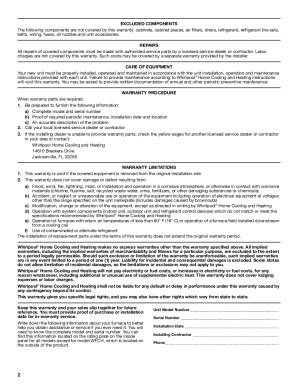
- Begin by entering the complete model number of the system you are registering. This is crucial for identifying the specific equipment covered under the warranty.
- Next, input the serial number for your unit. This is typically found on the rating plate inside the main panel.
- Provide the installation date. This information is important as it determines the start of your warranty period.
- Fill in the name of the installing contractor along with their contact information. This ensures that you can reach them for any warranty-related issues.
- Review all the details you have entered for accuracy to avoid any issues with the warranty claim later.
- Once you have verified that all information is correct, save your changes. You may also download, print, or share the form as needed.
Complete the Hvac Warranty Template online today to ensure your equipment is protected.
Air conditioner manufacturers Goodman and Amana offer a limited lifetime warranty for air conditioner compressors. This lifetime limited warranty is considered the best central air conditioner warranty currently on the market. HVAC manufacturers offer limited warranty terms that may last 5 to 10 years on average.