Loading
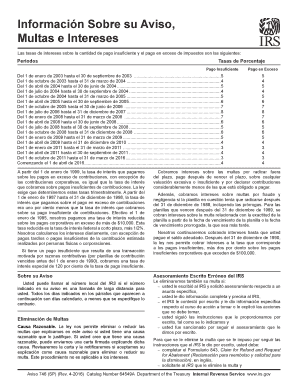
Get Irs Notice 746 (sp) 2016
This website is not affiliated with IRS
How it works
-

Open form follow the instructions
-

Easily sign the form with your finger
-

Send filled & signed form or save
How to use or fill out the IRS Notice 746 (SP) online
This guide provides a comprehensive explanation on how to complete the IRS Notice 746 (SP) online. Whether you are seeking to address penalties, interest, or make inquiries, this step-by-step approach will assist you in navigating the form with ease.
Follow the steps to complete the IRS Notice 746 (SP) online efficiently.
- Press the ‘Get Form’ button to access the IRS Notice 746 (SP) and open it in your chosen online platform.
- Review the information presented in the various sections of the form, which may include details on penalties for late filing, insufficient payments, and how to respond to any notices you have received.
- Fill out your personal information in the designated fields, ensuring accuracy in your name, address, Social Security number, and related details.
- Follow the prompts to detail any penalties or interest you are addressing, referencing prior communications or notices you received from the IRS.
- If applicable, provide justifications for any requests to remove or reduce penalties, as described in the form's guidelines.
- Carefully review all entries for errors or omissions before finalizing your submission.
- Once completed, save your changes, and choose the option to download, print, or share the filled form as needed.
Start your process by completing the IRS Notice 746 (SP) form online today!
Get form
Experience a faster way to fill out and sign forms on the web. Access the most extensive library of templates available.
Get This Form Now!
Use professional pre-built templates to fill in and sign documents online faster. Get access to thousands of forms.