Loading
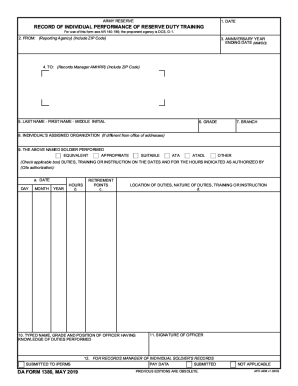
Get Da 1380 2019-2026
How it works
-

Open form follow the instructions
-

Easily sign the form with your finger
-

Send filled & signed form or save
How to fill out the DA 1380 online
Filling out the DA 1380 form online can seem daunting, but with this step-by-step guide, you'll be able to complete it with confidence. This guide aims to provide clear instructions to help you navigate through the form efficiently.
Follow the steps to fill out the DA 1380 online effectively.
- Click the ‘Get Form’ button to retrieve the DA 1380 form and open it for editing.
- Begin with the identification section where you will enter relevant details such as your name, rank, and unit information.
- Proceed to the section where you will describe the nature of the action being reported. Be thorough and precise in your descriptions to ensure clarity.
- In the signature section, make sure to provide your signature and the date of submission.
- Review all the filled fields for accuracy before submitting.
- Finally, save your changes and decide whether to download, print, or share the completed form.
Complete your documents online with ease and confidence.
RST stands for Reserve Secondary Training (US Army Reserves) Suggest new definition.