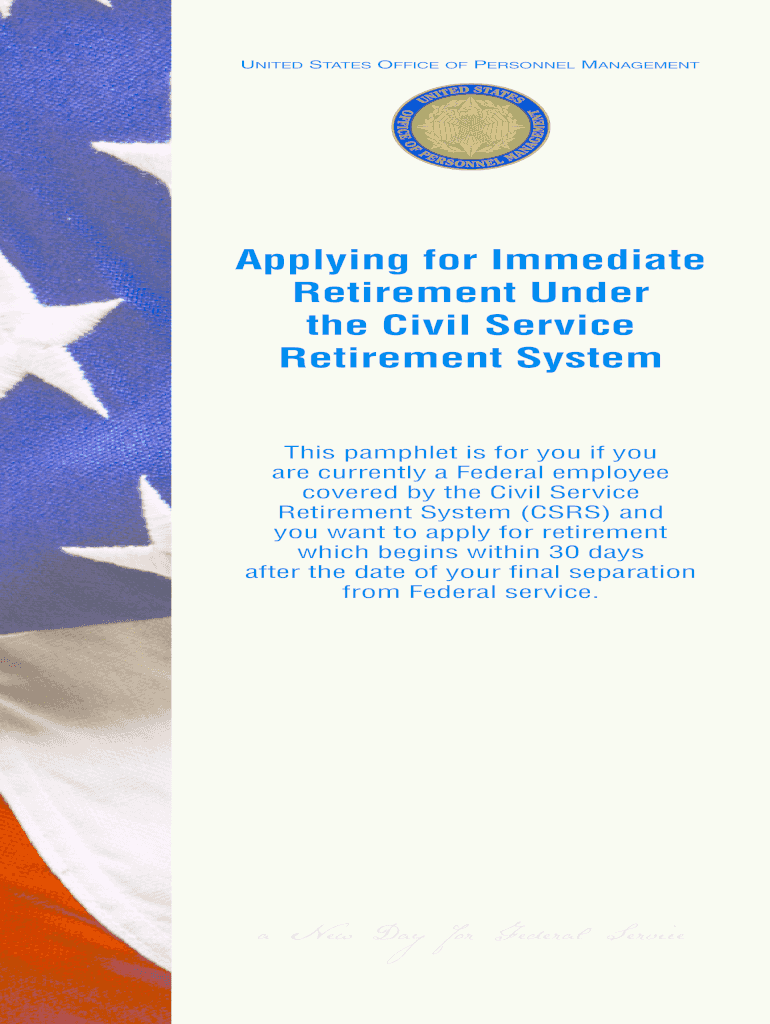
M (CSRS) and you want to apply for retirement which begins within 30 days after the date of your final separation from Federal service. Color profile: Generic CMYK printer profile Composite Default screen We provide retirement information on the Internet. You will find retirement brochures, forms, and other information at: www.opm.gov/retirement-services You may also communicate with us using email at: retire opm.gov H: CorelVentura SF2801A 06 2013.vp Wednesday, May 29, 2013 10:11:26.
Loading

Open form follow the instructions

Easily sign the form with your finger

Send filled & signed form or save
How to fill out the OPM Form SF 2801A online
This guide is designed to help users navigate the process of filling out the OPM Form SF 2801A online, ensuring a smooth application for immediate retirement under the Civil Service Retirement System. Each section of the form will be broken down with clear, step-by-step instructions to assist all users, regardless of their prior experience.
Follow the steps to successfully complete your application.
- Press the ‘Get Form’ button to access the form and open it in an editor.
- Begin by carefully filling in your personal information in Section A, providing your name, date of birth, and Social Security number.
- In Section B, indicate your employment details, including your agency name and address, and your position title.
- Section C requires information regarding your retirement type. Select the appropriate option that aligns with your situation — whether it's optional retirement or disability retirement.
- Complete Section D by detailing any military service. Ensure you include the branches served and the years of service to accurately reflect your experience.
- Section E focuses on your health benefits and life insurance. Review your current coverage and indicate your preferences for continuation after retirement.
- Detailed information regarding survivor benefits must be filled out in Section F. This includes designating beneficiaries and understanding the associated reductions.
- Once all sections are complete, double-check your entries for accuracy and completeness, as errors may delay processing.
- Finally, use the options available to save changes, download, print, or share the completed form as needed.
Complete your OPM Form SF 2801A online today to ensure a timely retirement application.
Experience a faster way to fill out and sign forms on the web. Access the most extensive library of templates available.
Related content
Browse the listing below to download your choice of form(s). ... SF 2801, Application for...
(SF 2801 or SF 3107) with OPM? Agency ... Personnel records certification (This form will...
GraphicsFmt . ... AttrCondExprStr string The AttrCondExpr expression in string format...
Get answers to your most pressing questions about US Legal Forms API.
What is the website for eOPF?
The eOPF web address is https://eopf.opm.gov/dot/. Welcome letters will be sent to all employees with User ID and password information.
How do I access my eOPF file?
Logging into eOPF. The login URL for AF employees is https://eopf.opm.gov/Army/ and the login URL for NAF employees is https://eopf.opm.gov/armynaf/. Begin by clicking on "Request Your eOPF ID" and enter your personal information. This input will result in your eOPF ID being emailed to you.
What forms do I need for FERS retirement?
To apply for federal retirement and to qualify for payments from the Civil Service Retirement System (CSRS) or the Federal Employees Retirement System (FERS), you must submit a retirement application, Standard Form 2801 Application for Immediate Retirement (CSRS) or Standard Form 3107 (PDF file) Application for ...
What is an SF-50 Notification of Personnel Action?
The SF-50 is the Notification of Personnel Action. It contains certain employment information useful to the applicant or if applying for another federal job. It is used by current and former federal employees.
What is a SF 75 form?
Use the SF 75 to obtain pre-employment information when the applicant's Official Personnel Folder (OPF) or Merged Records Personnel Folder (MRPF) is not available for review. ... The SF 75 may not be used for any other purposes (such as to obtain references or to voucher a prospective employee).
How do I get my SF-50 online?
If you are a current Federal employee, you may obtain your SF-50 through the eOPF (electronic Official Personnel Folder) specific to your department or branch. The system may be accessed by https://eopf.opm.gov/ .
How do I get a SF 50 form for federal employment?
How do I obtain a copy of my SF-50? Visit the National Archives website for information pertaining to replacement of the SF-50 or contact the agency's Human Resources Office where you worked for assistance.
Where do I find my form 50 USPS?
Where can I find my series and grade? Information regarding your pay schedule, series, and grade can be found on your PS Form 50, Notification of Personnel Action.
What is a SF 2801 form?
This pamphlet, along with Standard Form (SF) 2801, Application for Immediate Retirement Under the Civil Service Retirement System, is for you if you are currently a Federal employee covered by the Civil Service Retirement System (CSRS), and you want to apply for retirement with an immediate annuity (annuity beginning ...
Can I access my eOPF from home?
This means, to access eOPF the user must have a government computer with a registered IP address or a government computer accessing via a government Virtual Private Network (VPN). Usually access from home or away from a federal work site does not meet the criteria.
Use professional pre-built templates to fill in and sign documents online faster. Get access to thousands of forms.
If you believe that this page should be taken down, please follow our DMCA take down process here.