Loading
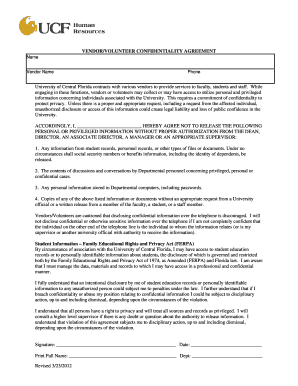
Get Ucf Volunteer Services Agreement 2012
How it works
-

Open form follow the instructions
-

Easily sign the form with your finger
-

Send filled & signed form or save
How to fill out the UCF Volunteer Services Agreement online
The UCF Volunteer Services Agreement is an essential document for individuals wishing to volunteer at the University of Central Florida. This guide provides step-by-step instructions to assist you in completing the form accurately and efficiently online.
Follow the steps to fill out the UCF Volunteer Services Agreement online.
- Click the ‘Get Form’ button to access the UCF Volunteer Services Agreement and open it in the editor.
- Begin by entering the place of volunteer assignment. Specify the department or location where you will be volunteering.
- Provide your name as the volunteer in the designated field, ensuring it is printed clearly.
- Input the date or dates of your volunteer services, including both the start date and, if applicable, the end date.
- Enter your email address in the specified section to ensure effective communication.
- Indicate the expected hours for your volunteer work by selecting the anticipated total hours and/or weekly hours.
- Input the name of your primary supervisor, who will oversee your volunteer activities.
- Describe the location and provide details about the duties you will perform as a volunteer.
- Review the statements outlined in the agreement and confirm your understanding by signing the document electronically.
- Upon completion, save your changes, and choose to download or print the form. Make sure to send a copy to Environmental Health and Safety as required.
Complete your UCF Volunteer Services Agreement online today to start your volunteer journey!
Get form
Experience a faster way to fill out and sign forms on the web. Access the most extensive library of templates available.
Related links form
Get This Form Now!
Use professional pre-built templates to fill in and sign documents online faster. Get access to thousands of forms.