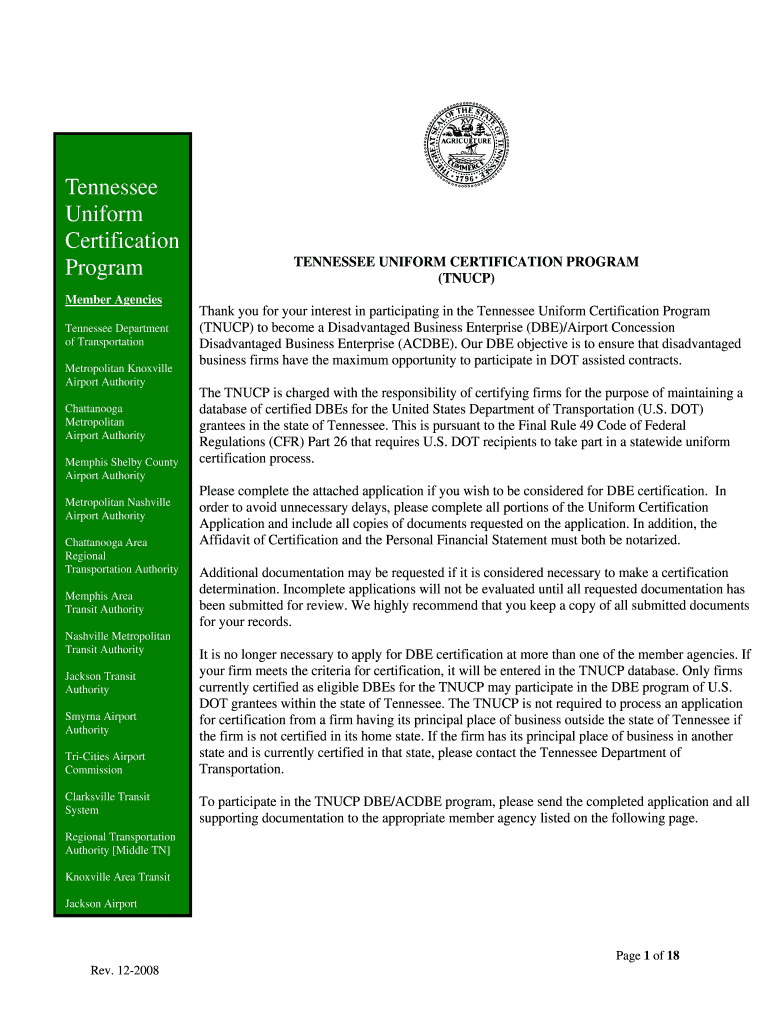
Airport Authority Metropolitan Nashville Airport Authority Chattanooga Area Regional Transportation Authority Memphis Area Transit Authority Nashville Metropolitan Transit Authority Jackson Transit Authority Smyrna Airport Authority Tri-Cities Airport Commission Clarksville Transit System TENNESSEE UNIFORM CERTIFICATION PROGRAM (TNUCP) Thank you for your interest in participating in the Tennessee Uniform Certification Program (TNUCP) to become a Disadvantaged Business Enterprise (DBE)/Airport .
Loading

Open form follow the instructions

Easily sign the form with your finger

Send filled & signed form or save
How to fill out the TN TNUCP online
Welcome to the comprehensive guide on completing the Tennessee Uniform Certification Program (TNUCP) application online. This guide will provide you with clear instructions on each section of the form to help you navigate the process efficiently and successfully.
Follow the steps to complete your application accurately.
- Press the ‘Get Form’ button to access the application form and open it in your chosen editor.
- Begin by filling out the general information section. This includes your business name, mailing address, business phone number, fax number, and email address. Make sure to verify the accuracy of the information provided.
- Indicate any changes in ownership or management that have occurred within the past year, by checking 'Yes' or 'No.' If 'Yes,' attach relevant documentation detailing the changes.
- Provide the details of your business's gross receipts by attaching the most recent corporate tax return and any additional corresponding documentation.
- Complete the Personal Financial Statement in its entirety, ensuring that each section is filled out thoroughly. This document must also be signed and notarized.
- Fill out the Affidavit of Certification, signing it in front of a Notary Public. This is a crucial step to validate your application.
- Review all sections and ensure every required document is attached as per the Certification Checklist. Mark 'N/A' for sections or documents that are not applicable to your situation.
- Once the form is fully completed and reviewed, save your changes. You can then choose to download, print, or share your completed application.
Start your application today and ensure your participation in the TNUCP online!
Experience a faster way to fill out and sign forms on the web. Access the most extensive library of templates available.
Related content
Welcome to the Tennessee Uniform Certification Program (TNUCP) Disadvantaged Business...
S = T-Tnucp rpnTPn (inplnnincy inhfntanfpi. 25 = Other, sheep ... T.N. Srinivasan, eds...
Get answers to your most pressing questions about US Legal Forms API.
How do I file a notice of completion in Tennessee?
To file a notice of completion in Tennessee, you need to prepare the required documents that certify the completion of your project. You can find the necessary forms on the TN TNUCP site. Once completed, submit them to the appropriate local agency to ensure that your notice is officially recorded.
How do I file my TN sales tax return?
Filing your TN sales tax return requires you to gather your sales records and complete the appropriate forms, which can be found on the TN TNUCP website. You can file your return online or by mail, depending on your preference. Make sure to check the filing deadlines to avoid any penalties or late fees.
How to submit unclaimed property in Tennessee?
To submit unclaimed property in Tennessee, utilize the TN TNUCP website where you can find the online submission portal. Follow the prompts to enter your information and upload the documentation needed to validate your claim. Ensuring that you meet the state's requirements will help streamline your submission process.
How do you initiate a monetary claim against the state of Tennessee?
To initiate a monetary claim against the state of Tennessee, you should first gather all relevant documentation supporting your claim. Then, complete the necessary forms available on the TN TNUCP platform. Submit your claim to the appropriate state agency along with the required documentation to ensure a smooth and timely resolution.
How do I submit unclaimed property in Tennessee?
Submitting unclaimed property in Tennessee involves reporting your unclaimed assets to the TN TNUCP. You must fill out the proper reporting forms and provide supporting documentation. Additionally, register with the TN TNUCP online portal to track your submission and ensure it is processed efficiently.
How to claim property in TN?
To claim property in Tennessee, start by visiting the TN TNUCP website, where you can search for unclaimed property using your name or business name. Once you locate your property, complete the required forms to facilitate your claim. Ensure you provide accurate information and any necessary documentation to support your claim, as this will expedite the process.
How to fill out an SSI function report?
Filling out an SSI function report requires you to provide detailed information about your daily activities and any limitations you may experience. It is important to answer honestly and to the best of your ability, as this information affects your benefits. With the guidance offered by the TN TNUCP, you can navigate the report with confidence, ensuring you submit a comprehensive overview.
How do you fill out a title certification?
To fill out a title certification, start by verifying that all previous title information is correct. Follow the prompts to include the buyer's information and your own, ensuring all sections are complete. If you use the TN TNUCP, it will guide you through the certification process, making it easier to ensure everything is accurate.
How to fill out a TN title?
Filling out a TN title begins with providing accurate vehicle information, including the Vehicle Identification Number (VIN) and make. Next, complete the buyer’s details and ensure to sign where required. With the TN TNUCP, you receive clear instructions that help you avoid mistakes and ensure compliance during this process.
How do I fill out the back of a TN title?
To fill out the back of a TN title, ensure you enter your name and the information of the buyer in the designated sections. It’s essential to include the sale date and your signature to validate the transaction. The TN TNUCP provides a guide to simplify this process and ensure you meet all necessary state requirements.
Use professional pre-built templates to fill in and sign documents online faster. Get access to thousands of forms.
If you believe that this page should be taken down, please follow our DMCA take down process here.