Loading
Get Gsa Sf 1410 1988-2026
How it works
-

Open form follow the instructions
-

Easily sign the form with your finger
-

Send filled & signed form or save
How to fill out the GSA SF 1410 online
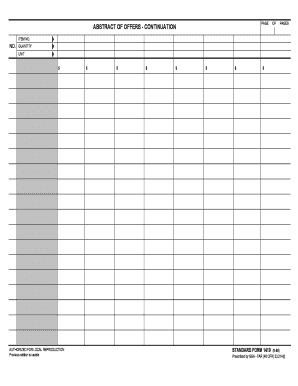
Filling out the GSA SF 1410 form online can be a straightforward process when guided properly. This document serves as an abstract for offers, providing essential information that is critical for submissions.
Follow the steps to successfully complete the GSA SF 1410 online.
- Click 'Get Form' button to obtain the form and open it in the editor.
- Begin by entering the item number in the appropriate field. This is where you will designate each item related to your offer.
- In the next field, input the quantity of each item you are offering. Ensure accuracy to reflect your proposal accurately.
- Proceed to the unit price section where you will provide the cost per unit for each item. This should be clear and reflect your intended pricing.
- Continue by totaling the costs in the designated sections, ensuring that the final amounts reflect correct calculations based on quantity and unit price.
- Once all sections have been filled out accurately, you have options to save your changes, download a copy for your records, print the form for physical submission, or share it electronically as needed.
Complete your GSA SF 1410 form online today for streamlined processing.
GSA U.S. General Services Administration.