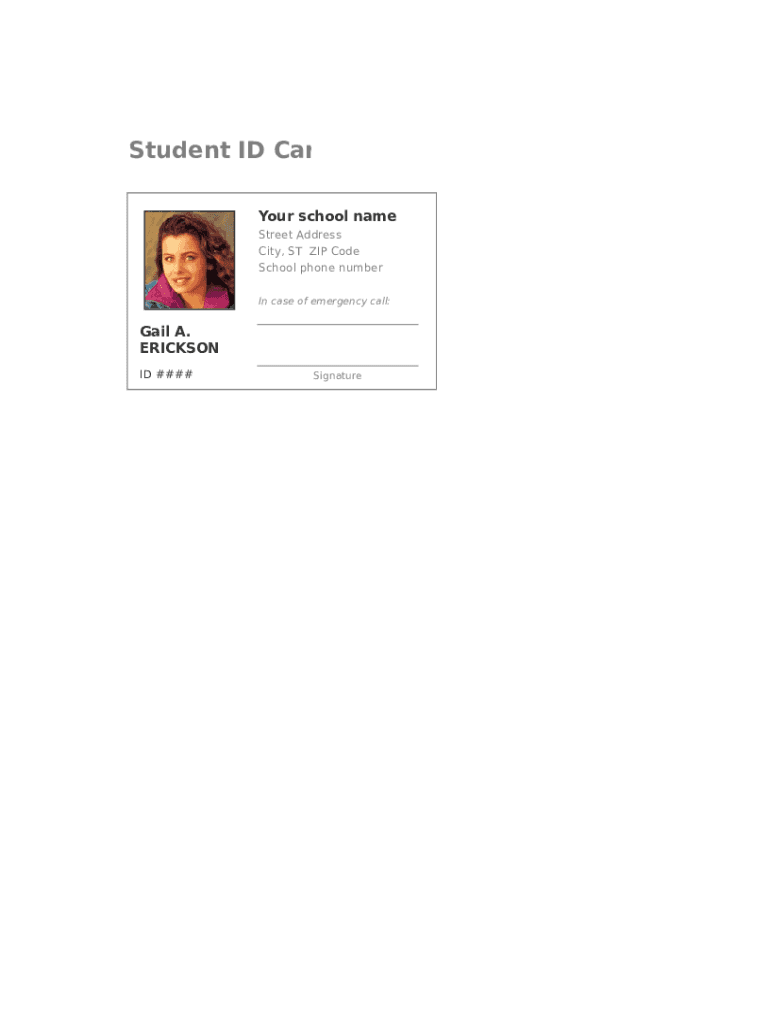
Student ID Car Your school name Street Address City, ST ZIP Code School phone number In case of emergency call:Gail A. ERICKSON ID ####Signature.
Loading

Open form follow the instructions

Easily sign the form with your finger

Send filled & signed form or save
How to fill out the Student Identification Card online
Filling out the Student Identification Card online is a straightforward process that ensures you have all the necessary details documented accurately. This guide provides step-by-step instructions to help you complete the form with ease and confidence.
Follow the steps to complete your Student Identification Card online:
- Click the ‘Get Form’ button to access the form and open it in the online editor.
- Enter your school name in the designated field to identify the institution issuing the identification card.
- Fill in the street address of your school accurately to ensure proper documentation.
- Provide the city, state, and ZIP code of your school to complete the address section.
- Enter the school's phone number in the relevant field to facilitate communication.
- In the 'In case of emergency call' section, provide the name and number of a contact person for emergencies.
- Locate the field for your ID number and input your unique identifier as assigned by the school.
- Sign the form electronically in the designated signature area to validate your information.
- Review all entered information carefully for accuracy before proceeding.
- Once all details are correct, you can save changes, download a copy, print the form, or share it as needed.
Complete your Student Identification Card online today for a seamless identification process.
Experience a faster way to fill out and sign forms on the web. Access the most extensive library of templates available.
Related content
Pupil and student health: identification cards: suicide prevention hotline telephone...
Dec 13, 2019 — The Student ID Card (which carries the student's picture, name, student...
A smart card, chip card, or integrated circuit card (ICC or IC card) is a physical...
Get answers to your most pressing questions about US Legal Forms API.
How do I get a student card UK?
Step 1: Go to NUS.org.uk. Step 2: Enter your email address. Step 3: Type in the course provider as your place of study. ... Step 4: Enter the start date and end date. ... Step 5: Here you pick the length of NUS card you are buying and any add-ons (more on these later)
How do I get a student ID card NZ?
You can request a Student ID from two weeks before the start date of your studies, however it will usually be issued when you first arrive on campus. Visit the Information and Enrolments team at Nelson campus or the administration office at Marlborough campus to get your ID card.
How do I get a NZ student ID?
You can request a Student ID from two weeks before the start date of your studies, however it will usually be issued when you first arrive on campus. Visit the Information and Enrolments team at Nelson campus or the administration office at Marlborough campus to get your ID card.
Who is eligible for a student card?
If you're a full-time student at school, college or university and aged 12 or over, you can apply for a student card with ISIC. ISIC offers both virtual and plastic cards, allowing students around the world to instantly prove their official student status and access over 150,000 student discounts and offers worldwide.
How do you get a student ID?
Step 1: Choose a relevant ID card theme and format. ... Step 2: Add branding elements. ... Step 3: Download a pre-made ID card template. ... Step 4: Edit the template and incorporate security measures. ... Step 5: Print on high-quality material.
How do I get a student ID card?
Step 1: Choose a relevant ID card theme and format. ... Step 2: Add branding elements. ... Step 3: Download a pre-made ID card template. ... Step 4: Edit the template and incorporate security measures. ... Step 5: Print on high-quality material.
Can student card be used as ID?
For example if you are going to a club then yeah you can use your student ID as proof of age however, when you are going for some official documentation process then I do not think that your student ID can act as an Identification proof. ... A Student ID Card is an ID.
Use professional pre-built templates to fill in and sign documents online faster. Get access to thousands of forms.
If you believe that this page should be taken down, please follow our DMCA take down process here.