Loading
Get College Year Calendar
How it works
-

Open form follow the instructions
-

Easily sign the form with your finger
-

Send filled & signed form or save
How to fill out the College Year Calendar online
This guide will provide you with clear instructions on how to effectively complete the College Year Calendar online. You will find step-by-step guidance tailored to your needs, enabling you to navigate the form with confidence.
Follow the steps to successfully complete the College Year Calendar
- Click the ‘Get Form’ button to access the College Year Calendar form and open it in the editor.
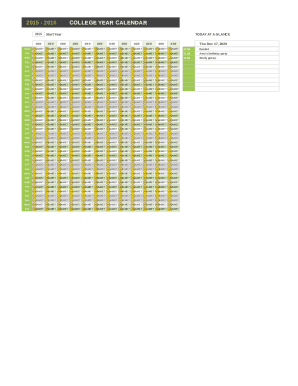
- Begin by entering the start year of your academic calendar in the designated field. Ensure that you select the correct year as this will set the context for your appointments and events.
- Proceed to fill in your 'Today at a Glance' section. This area is designed for you to note down important dates and events, so be sure to accurately input any significant appointments for each day.
- Next, navigate to the 'Appointments' section. Here, you will need to detail each appointment you would like to record. Enter the date, time, and a brief description of each appointment in the relevant fields.
- Review all the information you have entered to ensure accuracy. Double-check your dates, times, and descriptions to avoid any scheduling issues.
- Once you are satisfied with the information provided, save your changes. You may also choose to download, print, or share your completed College Year Calendar as needed.
Complete your College Year Calendar online today to stay organized and on track!
A quarter system divides the academic year into four sessions: fall, winter, spring, and summer. Generally, the summer session is not required but can be used to complete classes that were not offered during the other sessions or to complete your degree in advance.