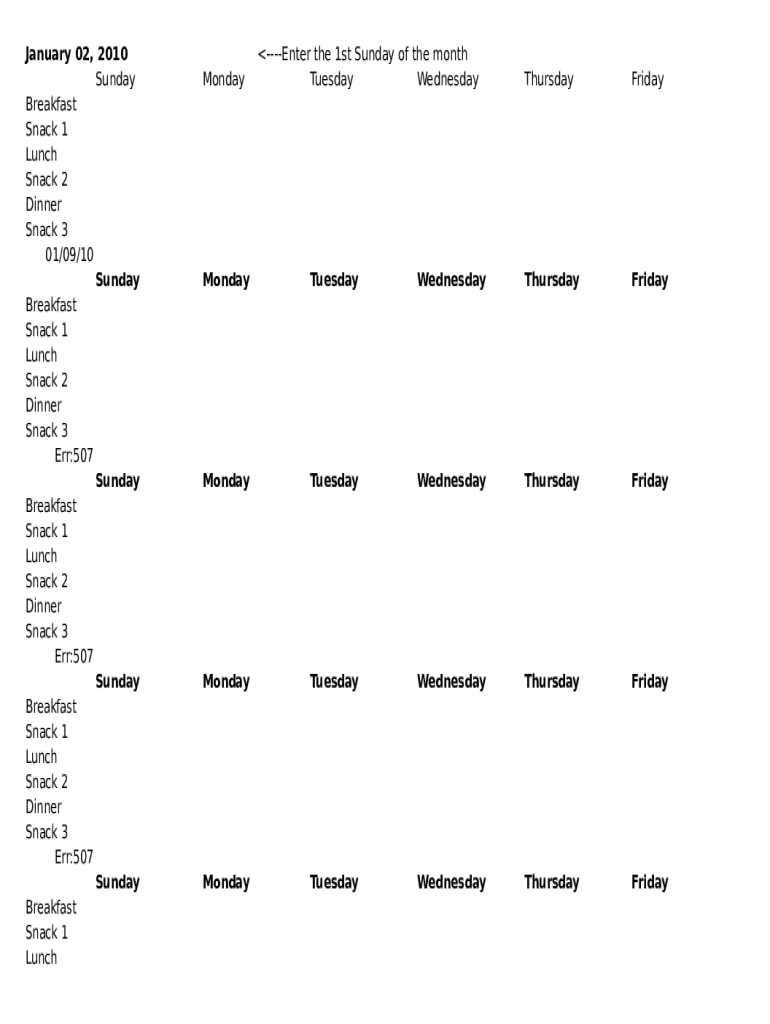
January 02, 2010 Sunday Breakfast Snack 1 Lunch Snack 2 Dinner Snack 3 01/09/10 Sunday Breakfast Snack 1 Lunch Snack 2 Dinner Snack 3 Err:507 Sunday Breakfast Snack 1 Lunch Snack 2 Dinner Snack 3 Err:507 Sunday Breakfast Snack.
Loading

Open form follow the instructions

Easily sign the form with your finger

Send filled & signed form or save
How to fill out the Monthly Meal Planner online
The Monthly Meal Planner is an essential tool for organizing meals efficiently throughout the month. This guide provides detailed instructions to help users navigate and complete the form with ease.
Follow the steps to complete your Monthly Meal Planner effectively.
- Click ‘Get Form’ button to obtain the form and open it in the editor.
- Begin by entering the first Sunday of the month in the designated field. This date will help structure your meal planning for the upcoming week.
- Fill in the meal sections for each day, including 'Breakfast', 'Snack 1', 'Lunch', 'Snack 2', 'Dinner', and 'Snack 3' for each day of the week. Make sure to allocate specific foods or meals you plan to prepare.
- Continue filling out subsequent weeks and adjust meal options as needed. You can copy similar meal patterns from the previous weeks if desired.
- Once you have completed all sections, review the form for accuracy and make any necessary adjustments.
- After ensuring all information is correct, you can save your changes, download the form, print it, or share it as needed.
Start filling out your Monthly Meal Planner online today!
Experience a faster way to fill out and sign forms on the web. Access the most extensive library of templates available.
Related content
See what you already have. · Write down your meals. · List out recipes to try. · Think...
by M PLAN · Cited by 3 · Related articlesFor guidance on when different vegetables...
A potluck is a communal gathering where each guest or group contributes a different, often...
Get answers to your most pressing questions about US Legal Forms API.
Can you meal prep for a month?
Yes, it's possible to cook in one day and feed yourself and your family for a whole month. Yes, you'll probably save money and time by meal planning this way.
How long can meal prep last in fridge?
Most meal prep meals will last between three to five days in the fridge. If you want to prep meals for the whole week, you'll want to schedule two days a week to do so (such as Sunday and Wednesday) to keep food as fresh as possible.
How much should I charge for meal prepping?
Cost: Meal prep services and meal kit services are more expensive than cooking yourself. Prices vary, though on average you'll probably pay about $10-12 dollars per serving.
How do I create a simple meal plan?
Review your schedule. Choose your recipes. Plug the recipes into your schedule. Make your grocery list. Shop. Eat, enjoy, and repeat!
How much does it cost to meal prep for a month?
Depending on where you shop for groceries, prepping meals for one week will cost between $60 and $100. This may seem steep for a one-time purchase, especially if you're only used to paying $8 at a time. But let's solve a quick division problem here: $75 / 21 meals = $3.57 per meal.
How do I make a monthly meal plan?
1 Look at the family calendar and see what's going on. ... 2 Write down the meals you always have on the same day. ... 3 Brainstorm a few meals based on what you already have. ... 4 Brainstorm a few meals based on weekly sales flyers. ... 5 Review your meal plan and update where necessary.
How do you plan meals for a month?
Print out a calendar for the month. ... Plunk down special events and holidays. ... Plug in regular meals, like Friday Pizza Night or Soup Night, that you have every week. Look at the nights that have activities like hockey practice or play rehearsal.
Use professional pre-built templates to fill in and sign documents online faster. Get access to thousands of forms.
If you believe that this page should be taken down, please follow our DMCA take down process here.