Loading
Get Printable Expense Trends Sheet
How it works
-

Open form follow the instructions
-

Easily sign the form with your finger
-

Send filled & signed form or save
How to fill out the Printable Expense Trends Sheet online
The Printable Expense Trends Sheet is designed to help users track and analyze their monthly expenses effectively. This guide provides detailed, step-by-step instructions on how to complete each section of the form to ensure accurate and organized financial records.
Follow the steps to fill out the Printable Expense Trends Sheet online.
- Press the ‘Get Form’ button to access the Printable Expense Trends Sheet and open it in your preferred document editor.
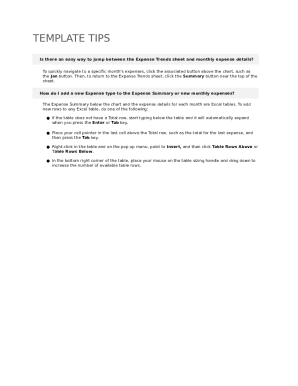
- Identify the section labeled 'Expense Trends'. Here, you will find monthly data points. Navigate by selecting the month you wish to begin with using the respective month button above the chart.
- For each expense type, review the relevant Excel tables below the chart. You can add new expenses by either starting to type directly below the last row of the table, pressing the Tab key if the last row is a Total row, or right-clicking in the table area to insert new rows.
- In each monthly expense section, enter the date, PO number, amount, summary, category, and description for every expense item. Ensure that the total amounts are calculated accurately at the bottom of each monthly section.
- Once all information is filled in, review your entries for accuracy. Make any necessary adjustments before proceeding.
- Finally, save your changes, and choose to download a copy, print the form, or share it with relevant individuals as needed.
Take control of your finances by completing your Printable Expense Trends Sheet online today.
Related links form
How to create a budget template for Google Sheets? Open a new sheet in Google Sheets. Decide on the budget categories and parameters you want to include, like income, expenses, spending, savings, etc. Settle on a budget period, like weekly, monthly, quarterly, or daily, and build out columns ingly.