Loading
Get Expense Trends Tips Template
How it works
-

Open form follow the instructions
-

Easily sign the form with your finger
-

Send filled & signed form or save
How to fill out the Expense Trends Tips Template online
This guide provides a clear and comprehensive walkthrough for filling out the Expense Trends Tips Template online. By following these steps, users can effectively manage their expense data and gain valuable insights into spending trends.
Follow the steps to fill out your Expense Trends Tips Template effectively.
- Click the ‘Get Form’ button to obtain the Expense Trends Tips Template and open it in your chosen editing platform.
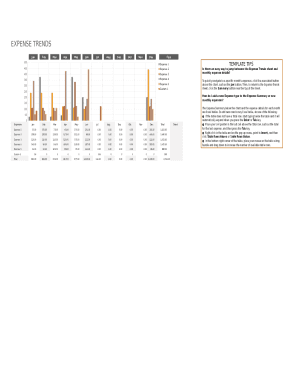
- Identify the Monthly Expenses section of the form. Here, you will see a breakdown for each month from January to December. Fill in your expenses for each expense type in the appropriate month.
- Utilize the Expense Summary table to categorize your expenses. Input details like the date, purchase order number, amount, and a brief description of each expense.
- To add a new expense type or row, you can either type below the last entry or use the right-click context menu to insert additional rows as needed.
- Continue to review and check your entries for accuracy. Ensure you have filled all necessary fields in the Monthly Expenses and Expense Summary tables.
- Once you have completed all entries, you can save your changes. Consider downloading a copy of the form, printing it for your records, or sharing it if necessary.
Start filling out your Expense Trends Tips Template online today for streamlined expense management!
How Do You Create an Expense Sheet? Choose a template or expense-tracking software. Edit the columns and categories (such as rent or mileage) as needed. Add itemized expenses with costs. Add up the total. Attach or save your corresponding receipts. Print or email the report.