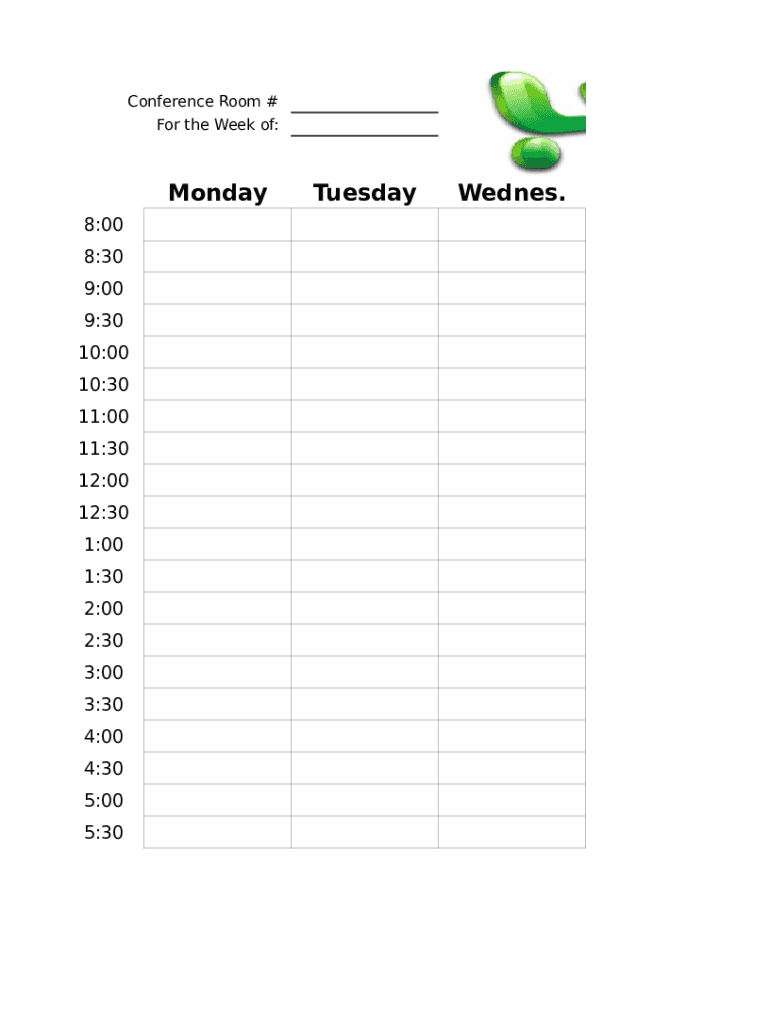
Conference Room # For the Week of:Monday 8:00 8:30 9:00 9:30 10:00 10:30 11:00 11:30 12:00 12:30 1:00 1:30 2:00 2:30 3:00 3:30 4:00 4:30 5:00 5:30TuesdayWednes.ThursdayFriday.
Loading

Open form follow the instructions

Easily sign the form with your finger

Send filled & signed form or save
How to fill out the Conference Room Scheduler online
The Conference Room Scheduler is a convenient tool designed to help users reserve conference rooms efficiently. This guide provides clear, step-by-step instructions on how to fill out the form online, ensuring a smooth scheduling process for everyone.
Follow the steps to effectively complete the Conference Room Scheduler
- Press the ‘Get Form’ button to access the form and open it in your preferred online editor.
- Begin by selecting the week for which you need to reserve the conference room. You will find options to specify the start date at the top of the form.
- Next, indicate the specific day(s) for your reservation. You'll see a series of checkboxes or selection options for Monday through Friday.
- Then, choose the time slots you wish to book. The form includes a grid to help you select times between 8:00 AM and 5:30 PM in half-hour increments.
- Fill in any additional details required, such as the purpose of the meeting and the number of attendees, if prompted.
- Review your selections for accuracy, making any necessary adjustments before finalizing.
- Finally, save your changes, and you can choose to download, print, or share the completed form as needed.
Start filling out your Conference Room Scheduler online today to reserve your space efficiently.
Experience a faster way to fill out and sign forms on the web. Access the most extensive library of templates available.
Related content
Jul 17, 2014 — Provides advice and assists customers with conference room reservation...
Automated Resource Booking allows users to schedule rooms when setting up meetings in...
NEAX2400 Conference Room Scheduler Installation Guide. User Manual: Manual The Eye | File...
Get answers to your most pressing questions about US Legal Forms API.
How do you reserve a conference room?
Double-click the day for which you want to make a booking. Enter Subject and Start time/End time in the window that appears. Click Scheduling Assistant. Select the room you want in Add rooms. Select the people to be invited in Add attendees. Click Send.
How do I reserve a meeting room?
Double-click the day for which you want to make a booking. Enter Subject and Start time/End time in the window that appears. Click Scheduling Assistant. Select the room you want in Add rooms. Select the people to be invited in Add attendees. Click Send.
How do I manage meeting rooms in Outlook?
Click Calendar on the left side of the window. Click Share > Add Calendar... at the top of the window. Enter the name of the room resource for which you are a delegate and click OK. Select the resource from the list of search results. Then click OK.
How do I schedule a conference room in outlook?
Double-click the day for which you want to make a booking. Enter Subject and Start time/End time in the window that appears. Click Scheduling Assistant. Select the room you want in Add rooms. Select the people to be invited in Add attendees. Click Send.
How do you use meeting rooms?
Book Early. ... Schedule Appropriately. ... Cooperate With Others. ... Cancel As Soon As Possible. ... Close the Door. ... Shut Your Phone Off. ... Exit the Room Quickly After Meetings Have Concluded. ... Keep it Clean.
How do you manage a meeting room booking?
Choose Alternatives to Meetings. ... Use Digital Meeting Signs. ... Set Up a Room Scheduling Calendar. ... Install Meeting Booths in the Office. ... Create a Written Meeting Room Policy.
How do I schedule a meeting in Outlook 2016 without inviting myself?
Instead of creating a new meeting via New-> Meeting Request, create the meeting request directly from the other Calendar. Double click on a free spot in the Calendar of that person and invite attendees. When you'll now send the meeting request, it won't be added to your own Calendar.
How do I schedule a conference room in Outlook 2016?
Open Microsoft Outlook on your PC. Click on Calendar and click on New Appointment. Set the preferred Start/End date and time for your meeting. Make sure 'Room Finder' is clicked (button is 'pressed'). ... View Available DDOT Conference Rooms. ... Use Scheduling Assistant Feature to View Available Conference Rooms.
How do I book a conference room in Outlook 2016?
Click the Calendar in the bottom-left corner of the window (if necessary). (+) Click New Meeting in the "Home" tab on the ribbon. Click the Rooms... ... Find the room you wish to reserve, select it, and click OK. ... Provide all other necessary details for the meeting (other attendees, date/time, notes, etc.)
What makes a good meeting room?
A good meeting room will have a great design as well. Look for fantastic looking chairs that also have great ergonomics. People in a meeting want to be able to easily turn their chair to see who is speaking or talk to the person next to them. So it would be great to have chairs with wheels.
Use professional pre-built templates to fill in and sign documents online faster. Get access to thousands of forms.
If you believe that this page should be taken down, please follow our DMCA take down process here.