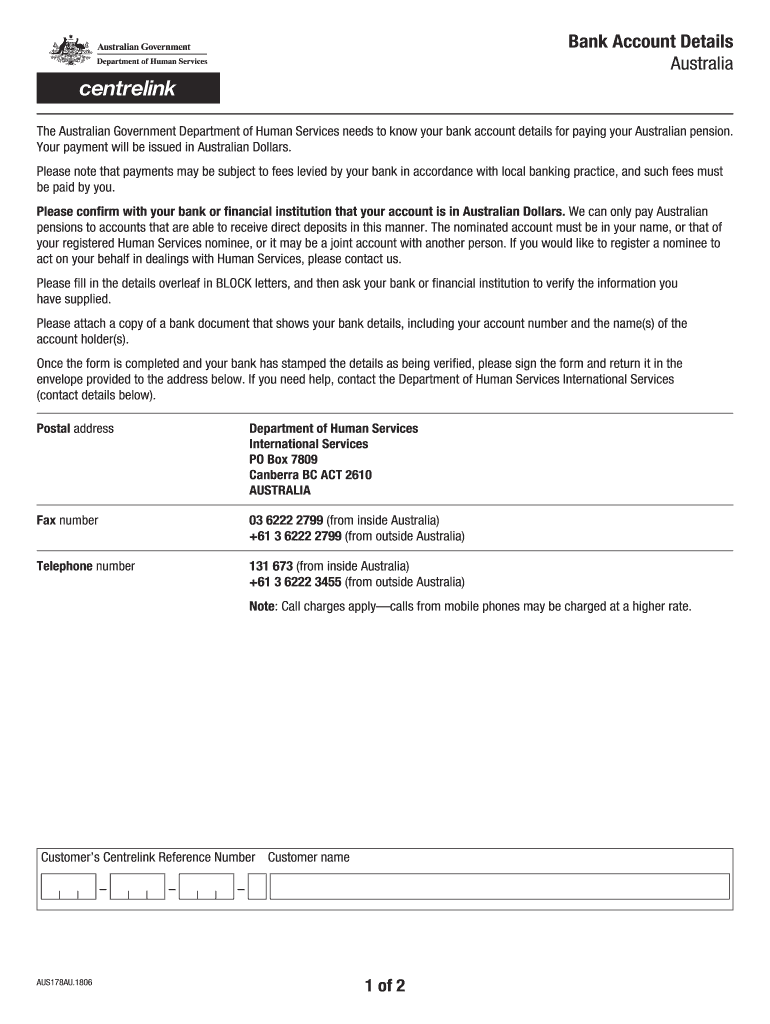
Bank Account Details AustraliaThe Australian Government Department of Human Services needs to know your bank account details for paying your Australian pension. Your payment will be issued in Australian.
Loading

Open form follow the instructions

Easily sign the form with your finger

Send filled & signed form or save
How to fill out the AU AUS178AU online
Filling out the AU AUS178AU form is essential for ensuring your Australian pension payments are directed to the correct bank account. This guide provides clear, step-by-step instructions to help you accurately complete the form online.
Follow the steps to successfully complete the AU AUS178AU form.
- Click on the ‘Get Form’ button to access the AU AUS178AU form and open it in your preferred online editor.
- Fill in your personal details, such as your full name and Centrelink Reference Number, in BLOCK letters as required.
- Enter the name of your bank or financial institution in the designated field, ensuring accuracy in the spelling.
- Provide the branch address of your bank, including the number, street, town/city, postcode, and country, all of which should be entered in BLOCK letters.
- Enter your Bank State Branch (BSB) number in the specified section.
- Input your account number and the name of the account holder, ensuring this matches the records held by your bank.
- Indicate your current balance in AUD dollars as requested.
- After completing the form, print it out and take it to your bank or financial institution for verification. Request that they stamp the document to confirm the details supplied are correct.
- Attach a copy of a bank document showing your account details, including the account number and the name(s) of the account holder(s).
- Sign and date the completed form. Finally, return it using the envelope provided to the address indicated in the instructions.
Complete your AU AUS178AU form online to ensure your Australian pension payments are processed without delay.
Experience a faster way to fill out and sign forms on the web. Access the most extensive library of templates available.
Get answers to your most pressing questions about US Legal Forms API.
Are all Australian bank account numbers 9 digits?
Account number is 6 to 10 digits. Australia bank state branch number: three digits.
What is a 6 digit Australian bank account number?
A BSB is a six-digit number that identifies the bank, state and branch you opened your account in.
What is a 6 digit bank account number Australia?
A BSB is a six-digit number that identifies the bank, state and branch you opened your account in. Your account number is the identification number associated with your bank account. To pay or transfer money to someone, you'll need the recipient's BSB and Account number.
Do Australian bank accounts have IBAN numbers?
IBANs are not used in Australia. However, payers in certain countries may require you to provide one. In that case, your BSB and account number should be combined. Do not include any spaces or hyphens.
How is an Australian bank account number structured?
The first six numbers () represent the bank and the branch, similar to how a BSB code identifies the bank and branch. The next seven digits (YYYYYYY) represent the individual's unique account. The last three digits (ZZZ) tells the sender and bank what type of account it is (checking, savings, etc.).
What does an Australian bank account number look like?
BSB and account numbers: Australia vs. Instead, they have 16-digit account numbers ( YYYYYYY ZZZ) that are used to identify individual accounts. The first six digits is the bank code, which is used to identify both the bank and the individual branch.
How do I find my bank Australia account number?
Account number Each account has a unique number, including credit cards and offset accounts. You can find yours in the app, internet banking.
How many digits are in the Australian bank account number?
Account number is 6 to 10 digits. Australia bank state branch number: three digits.
Use professional pre-built templates to fill in and sign documents online faster. Get access to thousands of forms.
If you believe that this page should be taken down, please follow our DMCA take down process here.