Loading
Get Irs 15268 2020-2026
This website is not affiliated with IRS
How it works
-

Open form follow the instructions
-

Easily sign the form with your finger
-

Send filled & signed form or save
How to fill out the IRS 15268 online
Filling out the IRS 15268 form online can be a straightforward process when approached step-by-step. This guide provides detailed instructions to help you complete the form accurately and efficiently.
Follow the steps to fill out the IRS 15268 online effectively.
- Click the ‘Get Form’ button to access the IRS 15268 form and open it in your preferred online editor.
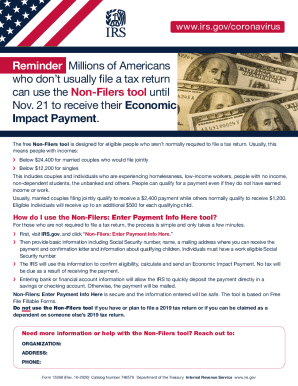
- Begin by entering your basic information in the designated fields. Include your Social Security number, name, and a mailing address where you can receive the Economic Impact Payment and confirmation letter.
- Provide details regarding any qualifying children in the appropriate section. Ensure that the information entered is accurate to confirm your eligibility for additional payments.
- Review your entered information for accuracy. Make sure that all fields are filled out completely to avoid processing delays.
- Enter your bank or financial account information if you wish to receive expedited direct deposit of your payment. Otherwise, the payment will be sent via mail.
- Once you have confirmed that all information is correct, proceed to save your changes, download, print, or share the completed form as needed.
Complete your IRS 15268 form online today to ensure you receive your Economic Impact Payment quickly.
Does Tax Topic 152 mean that a refund is coming soon? Receiving a notice to refer to Tax Topic 152 might be a sign that your refund is being delayed. If you receive this notice, you can use the IRS “where's my refund?” tool to check on the status of your refund.