Loading
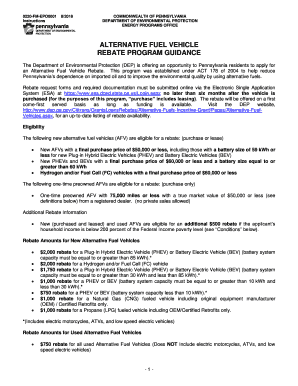
Get 7000-fm-xxxxx
How it works
-

Open form follow the instructions
-

Easily sign the form with your finger
-

Send filled & signed form or save
How to fill out the 7000-FM-XXXXX online
This guide provides a detailed walkthrough on completing the 7000-FM-XXXXX form. Whether you are a first-time applicant or familiar with the process, this step-by-step approach ensures you accurately fill out the required information.
Follow the steps to successfully complete your application.
- Click ‘Get Form’ button to obtain the form and access it in your preferred online editor.
- Begin by entering your personal information, including your full name, address, and contact information. Ensure accuracy as this information is crucial for processing.
- Provide your Social Security number. If the vehicle is registered under two names, include both Social Security numbers.
- Upload a valid Pennsylvania vehicle registration that matches your name on the form.
- Attach a copy of the invoice or bill of sale for your vehicle, ensuring it indicates the purchase of an alternative fuel vehicle.
- If applicable, include proof of payment documentation, such as a cancelled check or finance agreement.
- If the vehicle is leased, provide a signed lease agreement alongside proof of the equivalent purchase price.
- For additional rebates, include verification of your household income and ensure all income verification documents are attached.
- Upload a CARFAX Vehicle History Report if you are requesting a rebate for a one-time preowned vehicle, documenting its previous ownership and mileage.
- Review all information for completeness and accuracy before finalizing your submission.
- Submit the completed form online. You may save changes, download, print, or share a copy of your application as needed.
Start your application today and ensure your documentation is submitted online within the required timeframe.