Loading
Get Student: Insert Name
How it works
-

Open form follow the instructions
-

Easily sign the form with your finger
-

Send filled & signed form or save
How to fill out the Student: Insert Name online
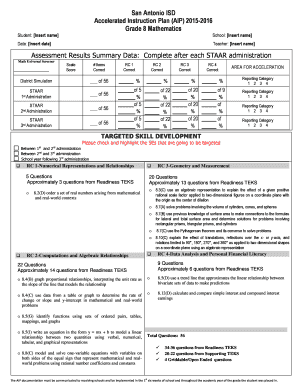
Filling out the Student: Insert Name form is a straightforward process designed to gather essential information regarding a student's accelerated instruction plan. This guide will provide you with clear, step-by-step instructions to complete the form efficiently.
Follow the steps to fill out the Student: Insert Name form online.
- Click the ‘Get Form’ button to access the form and open it in your editor.
- In the 'Student' field, insert the student's full name as required. Ensure that the spelling is accurate for proper identification.
- In the 'School' field, enter the name of the school the student attends. This helps to correctly associate the student with their academic institution.
- In the 'Date' field, input the current date or the specific date when the assessment results were gathered.
- For the 'Teacher' section, include the name of the teacher responsible for the student’s instruction during the assessment period.
- Complete the 'Assessment Results Summary Data' section by filling in the scores from various assessments indicated, such as the STAAR results for each administration.
- Review the 'Areas for Acceleration' section to identify which reporting categories will be targeted for skill development. Check boxes for the relevant categories as necessary.
- In the 'Targeted Skill Development' section, mark the specific skills highlighted for improvement based on the results and planned administration. Use the provided codes for clarity.
- At the end of the form, be sure to fill in the student's scale score and total items for the STAAR results and evaluations for the required periods outlined.
- After confirming all fields are correctly filled out, your final options will include saving changes, downloading, printing, or sharing the completed form.
Ensure that you complete all required documents online for a smooth submission and to facilitate the student’s academic support.
Nicknames for Your Students Ya'll. Always popular, y'all is used by teachers all over the country. ... Cherubs. This nickname is often used to describe students when they are on their best behavior – and also when they are not! Ladies and Gentleman. ... Friends. ... Scholars. ... Humans. ... Peeps. ... Cool Cats.