Loading
Get Atm-10/40
How it works
-

Open form follow the instructions
-

Easily sign the form with your finger
-

Send filled & signed form or save
How to fill out the ATM-10/40 online
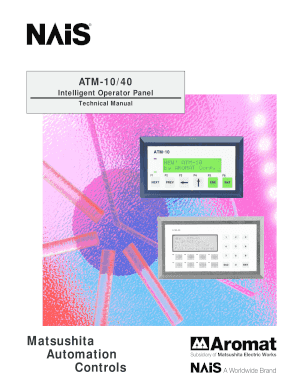
The ATM-10/40 form is essential for users looking to configure and utilize the ATM-10 or ATM-40 display panels effectively. This guide provides a clear, step-by-step approach to completing the form online, ensuring all necessary information is accurately filled out.
Follow the steps to complete the ATM-10/40 form online.
- Click the ‘Get Form’ button to obtain the form. This will allow you to access the ATM-10/40 document and begin filling it out.
- Review the specifications section for the ATM-10 and ATM-40. Understand the rated voltage, current consumption, and environmental requirements crucial for your application.
- In the wiring section, enter details regarding how the ATM-10/40 connects to your system. Ensure to include any necessary cable specifications or requirements.
- Navigate to the 'Getting Started' section. Here, you should initiate a new project and specify the PLC model being used with the ATM-10/40 for compatibility.
- Define the tags needed for your application in the Tag Database. This includes specifying the tag name and addressing it correctly to access necessary PLC registers.
- Utilize the setup section to configure the Message Triggering Register (MTR) and LED register settings to control how messages and notifications display on your unit.
- Proceed to the programming messages section to create new messages based on project requirements. Select the type of messages, such as normal or function key messages, and input your desired text.
- Save your project occasionally to ensure no data is lost. Use the ‘Save’ option in your software to keep your entries secure.
- Once finished, download or share the completed form via the communication settings, ensuring successful transmission to the ATM unit.
Start filling out the ATM-10/40 form online now to configure your display panels efficiently.
Industry-leading security and compliance
US Legal Forms protects your data by complying with industry-specific security standards.
-
In businnes since 199725+ years providing professional legal documents.
-
Accredited businessGuarantees that a business meets BBB accreditation standards in the US and Canada.
-
Secured by BraintreeValidated Level 1 PCI DSS compliant payment gateway that accepts most major credit and debit card brands from across the globe.