Loading
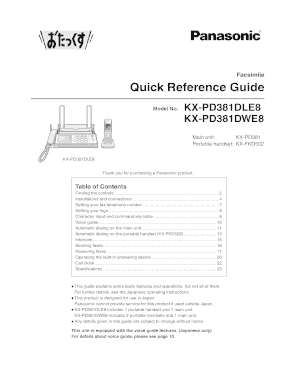
Get Portable Handset: Kx-fkd502
How it works
-

Open form follow the instructions
-

Easily sign the form with your finger
-

Send filled & signed form or save
How to fill out the Portable Handset: KX-FKD502 online
This guide provides clear instructions on how to fill out the Portable Handset: KX-FKD502 online. It is designed to ensure that all users, regardless of their experience level, can complete the process smoothly and confidently.
Follow the steps to successfully complete the Portable Handset: KX-FKD502 form.
- Click the ‘Get Form’ button to obtain the form and open it in the editor.
- Begin by entering your fax telephone number, which can include up to 20 digits, in the designated field.
- Next, you will set your logo. This involves entering a name of up to 30 characters and selecting the appropriate character input mode to change from Hiragana to Kanji if needed.
- Proceed to the character input section. Use the provided key table to assist with entering text based on the required mode.
- After completing the necessary fields, review all entries to ensure accuracy. If there are any errors, use the erase or correct functions.
- Finally, after ensuring all information is correct, you may save changes, download, print, or share the form as needed.
Complete your documents online with ease and confidence.
Industry-leading security and compliance
US Legal Forms protects your data by complying with industry-specific security standards.
-
In businnes since 199725+ years providing professional legal documents.
-
Accredited businessGuarantees that a business meets BBB accreditation standards in the US and Canada.
-
Secured by BraintreeValidated Level 1 PCI DSS compliant payment gateway that accepts most major credit and debit card brands from across the globe.