Loading
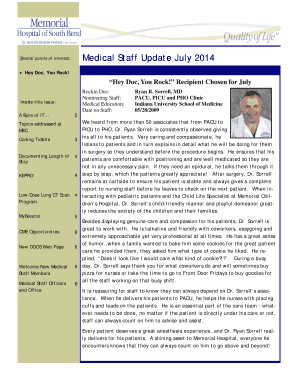
Get Hey Doc, You Rock
How it works
-

Open form follow the instructions
-

Easily sign the form with your finger
-

Send filled & signed form or save
How to fill out the Hey Doc, You Rock online
Filling out the Hey Doc, You Rock form is an important step for recognizing outstanding medical staff members. This guide will provide you with clear, step-by-step instructions to complete the form effectively.
Follow the steps to successfully fill out the Hey Doc, You Rock form.
- Press the 'Get Form' button to access the Hey Doc, You Rock form and open it in your preferred document editor.
- Begin filling out the recipient's information. Include their full name, specialty, and the institution they are associated with. Be sure to enter accurate details for proper recognition.
- Provide the nominee’s accomplishments and contributions in the designated text field. Focus on specific examples of their dedication, patient care, and teamwork. Highlight instances that show their positive impact on patients and colleagues.
- In the section for nominating staff members, add your name and contact information to ensure proper acknowledgment of your nomination.
- Review the entire form for any errors or missing information. It is important to ensure that all fields are completed accurately for the nomination to be valid.
- Once you are satisfied with the form, you can either save your changes, download a copy for your records, print it out, or share it as needed.
Complete your nomination by filling out the Hey Doc, You Rock form online today!
Industry-leading security and compliance
US Legal Forms protects your data by complying with industry-specific security standards.
-
In businnes since 199725+ years providing professional legal documents.
-
Accredited businessGuarantees that a business meets BBB accreditation standards in the US and Canada.
-
Secured by BraintreeValidated Level 1 PCI DSS compliant payment gateway that accepts most major credit and debit card brands from across the globe.