Loading
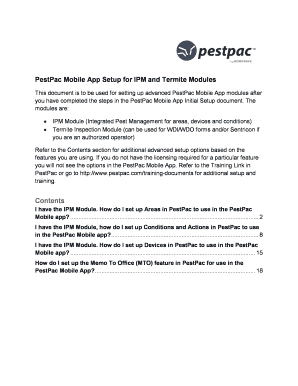
Get Pestpac Mobile App Setup For Ipm And Termite Modules
How it works
-

Open form follow the instructions
-

Easily sign the form with your finger
-

Send filled & signed form or save
How to fill out the PestPac Mobile App Setup for IPM and Termite Modules online
This guide provides users with clear and comprehensive instructions for filling out the PestPac Mobile App Setup for IPM and Termite Modules online. By following these steps, you can effectively configure the app's modules to meet your specific needs.
Follow the steps to complete your setup smoothly.
- Click ‘Get Form’ button to obtain the form and open it in the editor.
- Review the introduction section of the form to understand the purpose and components of the PestPac Mobile App setup, including the IPM Module and the Termite Inspection Module.
- Navigate to the specific module you intend to set up, starting with the IPM Module. Follow the instructions provided in the corresponding section.
- For setting up areas, go to the area section and follow the prompts to add location templates or specific areas for your accounts. Populate necessary fields such as title, description, area type, and barcode.
- Proceed to configure conditions and actions by selecting the appropriate conditions module in the company setup. Utilize lookup tables to define conditions by area type, condition details, corrective actions, and severity.
- Next, set up devices by editing the areas you previously defined. Add devices individually or use the add multiple devices option if you need to input several devices at once.
- Finally, configure the Memo To Office (MTO) feature by adding a note code that your technicians can use within the app, ensuring tasks are assigned appropriately.
- Once all fields and sections are completed, save your changes, and review your inputs for accuracy. You can choose to download, print, or share the completed form.
Complete your PestPac Mobile App setup online today for seamless management of your pest control operations.
Industry-leading security and compliance
US Legal Forms protects your data by complying with industry-specific security standards.
-
In businnes since 199725+ years providing professional legal documents.
-
Accredited businessGuarantees that a business meets BBB accreditation standards in the US and Canada.
-
Secured by BraintreeValidated Level 1 PCI DSS compliant payment gateway that accepts most major credit and debit card brands from across the globe.