Loading
Get Referral150
How it works
-

Open form follow the instructions
-

Easily sign the form with your finger
-

Send filled & signed form or save
How to fill out the Referral150 online
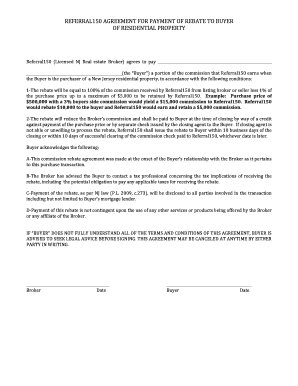
Filling out the Referral150 form is an essential step for users looking to receive a rebate on their residential property purchase. This guide provides clear, step-by-step instructions to help you navigate this online document effectively.
Follow the steps to complete the Referral150 form successfully.
- Click ‘Get Form’ button to access the document and open it in an online editing tool.
- Begin by entering the name of the Buyer in the designated field. Ensure accuracy to avoid complications during the rebate process.
- Next, provide the address of the residential property being purchased. This ensures that the agreement is linked to the correct transaction.
- Fill in the details regarding the commission structure. This includes specifying the total purchase price and calculating the expected rebate, following the guidelines provided in the form.
- Review the acknowledgments section carefully. Here, the Buyer must confirm understanding of the terms regarding tax implications and payment methods.
- Finally, date the form and gather signatures from both the Broker and the Buyer. Ensure that all parties involved receive a copy for their records.
- After completing the form, save the changes, download a copy, print it for official use, or share it with involved parties as needed.
Complete your documents online to ensure a smooth submission process.