Loading
Get My Phone Guardian Affidavit
How it works
-

Open form follow the instructions
-

Easily sign the form with your finger
-

Send filled & signed form or save
How to fill out the My Phone Guardian Affidavit online
The My Phone Guardian Affidavit is a crucial document for users seeking to file a claim for their lost, stolen, or damaged wireless devices. This guide provides clear and supportive instructions on how to complete this affidavit online, ensuring that you have all the necessary information ready for submission.
Follow the steps to complete the My Phone Guardian Affidavit online:
- Click ‘Get Form’ button to access the My Phone Guardian Affidavit. This action will allow you to open the document in the appropriate online editor.
- Begin by filling out Section I: Subscriber Information. Enter your insured subscriber’s printed name, mobile number, and wireless carrier. Provide your billing address, including city, state, zip code, and contact number(s). Make sure your email address is clearly written, as it will be used for claim notifications.
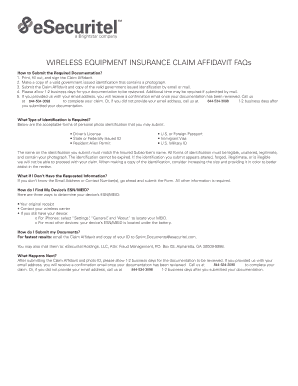
- In Section I, also select the type of government-issued ID you will submit. This identification must match the insured subscriber’s name and include a valid driver’s license, state or federally issued ID, U.S. passport, resident alien permit, immigrant visa, or U.S. military ID.
- Proceed to Section II: Claim Details. If your device has been lost or stolen, ensure you have reported it to your wireless carrier beforehand. Fill in the claimed phone make/model, claimed ESN/MEID, and the date of loss/incident/failure. Check the appropriate option for the reason: lost, stolen, damaged, or just stopped working.
- Provide a detailed description of the loss or incident in the designated section.
- Complete Section III(a): Claim Agreement. Acknowledge the terms of the claim and ensure you understand the implications of any fraudulent statements. Sign and date where indicated.
- Once all sections are completed, ensure that you have a valid copy of the selected identification. Save your changes and prepare to submit the document.
- Submit the filled My Phone Guardian Affidavit and the copy of your identification by email or mail for processing.
Start your claim process by filling out the My Phone Guardian Affidavit online today!
You may also call 1-844-534-3099 from 6AM - 11PM CST, 7 days a week.