Loading
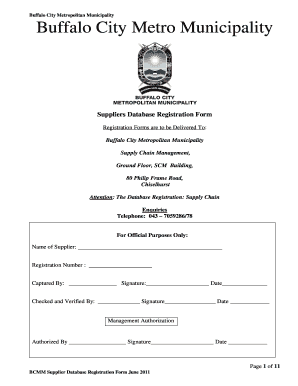
Get Ny Bccm Supplier Database Registration Form 2011-2026
How it works
-

Open form follow the instructions
-

Easily sign the form with your finger
-

Send filled & signed form or save
How to fill out the NY BCCM Supplier Database Registration Form online
This guide provides clear and comprehensive instructions on how to effectively complete the NY BCCM Supplier Database Registration Form online. By following these steps, users can ensure that their application is accurately filled out and submitted for consideration.
Follow the steps to navigate the online form with ease.
- Click ‘Get Form’ button to access the registration form and open it in your browser.
- Begin with the basic supplier information. Fill in the registered name of your business, the trading name if it differs from the registered name, and your company registration number. Indicate the year of registration and select your business type by checking the appropriate box.
- Provide your contact details, including postal and physical addresses. Ensure you indicate the province and municipality, along with your designation and contact information like telephone, email, and fax.
- Fill in the banking information, including bank name, branch code, account holder, and account number. Make sure to affix the official bank stamp and attach a recent bank statement.
- Submit the necessary tax information, including your SARS tax reference number and VAT registration number if applicable. Remember to attach a valid tax clearance certificate.
- Complete the ownership/shareholding section. List all owners, indicating their involvement in the business operations, and ensure you provide ID numbers and percentage ownership.
- Declare any conflict of interest by indicating if any owners or senior management are current government officials or have any previous governmental associations.
- Review any financial claims or litigation history related to the business, filling in details if applicable.
- Finalize by affirming the accuracy of the information supplied in the declaration section, ensuring appropriate signatures from authorized representatives and a commissioner of oaths.
- Once every section is completed, attach any mandatory documents outlined in the checklist at the end of the form. Save your changes, then download, print, or share your completed application as required.
Take the next step in your registration process by completing the NY BCCM Supplier Database Registration Form online today.