Loading
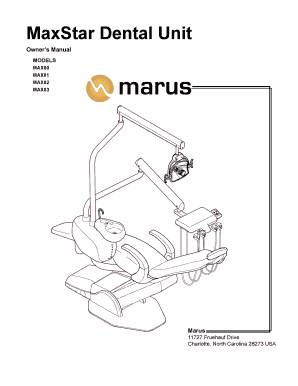
Get Maxstar Delivery Owners Manual - Marus
How it works
-

Open form follow the instructions
-

Easily sign the form with your finger
-

Send filled & signed form or save
How to fill out the Maxstar Delivery Owners Manual - Marus online
This guide provides comprehensive instructions on how to effectively fill out the Maxstar Delivery Owners Manual - Marus online. By following these clear steps, you will ensure that all necessary information is correctly entered to maximize the use of your dental delivery system.
Follow the steps to complete your form efficiently.
- Press the ‘Get Form’ button to access the online document and open it in the chosen editor.
- Begin with the personal information section. Fill in your name, contact details, and any relevant identification numbers associated with your dental practice.
- Proceed to the product information section. Input the model number and serial number of your Maxstar Delivery Unit as specified in the owner’s manual.
- In the warranty information section, clearly indicate the purchase date. This helps identify the warranty period for your equipment, ensuring you are covered for any defects.
- Complete the technical support section. Include your dealer’s contact information for future reference, as well as your own for troubleshooting assistance.
- Review the cleaning and maintenance guidelines within the manual, and document any specific procedures your practice follows in the appropriate section.
- Once all fields are filled accurately, save the document. You may choose to download it, print it for your records, or share it electronically with your team.
Start completing your document online today to streamline your dental practice's operations.