Loading
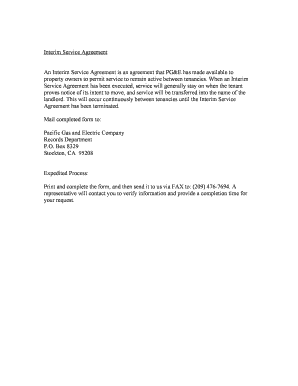
Get Pg E Interim Service Agreement
How it works
-

Open form follow the instructions
-

Easily sign the form with your finger
-

Send filled & signed form or save
How to fill out the Pg E Interim Service Agreement online
This guide provides step-by-step instructions on how to complete the Pg E Interim Service Agreement online. Designed to assist property owners in managing their gas and electric services, this document ensures continuity of service during the transition between tenants.
Follow the steps to complete the Pg E Interim Service Agreement online
- Click ‘Get Form’ button to obtain the form and open it for editing.
- Begin by filling in the applicant's name, which is the person or entity responsible for the property. This is usually the property owner or manager.
- Provide the mailing address for the applicant, ensuring you include the complete address with city, state, and zip code for correspondence related to the Interim Service.
- Fill in the applicant’s facility address, which is the location where the service will be provided. This should match the property that is being managed.
- Confirm your responsibility for all Interim Service bills by checking the appropriate boxes or writing the necessary statements, as indicated in the agreement.
- If there are any specific rate schedule preferences that differ from the standard, indicate this clearly in the designated section.
- An important section includes acknowledgment of the potential responsibilities and limitations outlined in the agreement. Review this carefully.
- Finally, sign the document. Ensure that your printed name, title, date, and daytime phone number are included next to your signature for identification and contact purposes.
- Once all fields are completed, review the document for accuracy. Changes can be saved, and the form can be downloaded, printed, or shared as necessary.
Complete your Pg E Interim Service Agreement online today for seamless service management.
We recommend you start early and notify PG&E at least 30 days before you need gas service removed. If you only need to stop service and remove the meter, call PG&E at 1-800-743-5000. We can complete your request within four days notice.