Loading
Get Your Implant Passport - Straumann
How it works
-

Open form follow the instructions
-

Easily sign the form with your finger
-

Send filled & signed form or save
How to fill out the YOUR ImplAnt PASSPORT - Straumann online
This guide provides clear instructions on completing the YOUR ImplAnt PASSPORT - Straumann form online. Following these steps will ensure that your important implant information is accurately recorded and accessible for future reference.
Follow the steps to successfully complete the form.
- Press the ‘Get Form’ button to obtain the form and open it in the editor.
- Fill out the personal information section, including your name, date of birth, phone number, and email address.
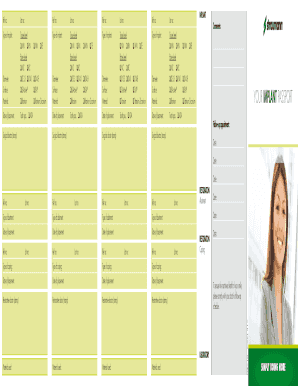
- In the implant section, record the reference number (Ref no), lot number, type of implant, diameter, surface, and material. Select the appropriate tissue and bone level options.
- Document the date of placement and the tooth position for each implant listed.
- Continue to fill out sections for abutment and coping, repeating the capturing of reference numbers, lot numbers, types, and dates.
- Capture details about any materials used and ensure all fields are completed accurately.
- Add any additional comments or notes in the comments section.
- Finalize the form by reviewing all entries. You can then save changes, download, print, or share your completed form as needed.
Complete your documents online to ensure accurate records.
The Implant Passport is a document which allows the patient to receive the following: Fast implant servicing in any part of the globe.