Loading
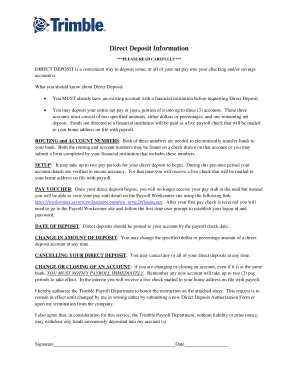
Get Direct Deposit Information - Peoplenet
How it works
-

Open form follow the instructions
-

Easily sign the form with your finger
-

Send filled & signed form or save
How to fill out the Direct Deposit Information - PeopleNet online
Filling out the Direct Deposit Information form is a straightforward process that allows you to conveniently have your net pay deposited directly into your chosen bank account(s). This guide provides you with clear, step-by-step instructions to help you complete the form accurately and efficiently.
Follow the steps to successfully complete your Direct Deposit Information form
- Click ‘Get Form’ button to obtain the form and open it in the editor.
- Begin by filling in your employee name in the designated area at the top of the form.
- Determine if you are setting up a new account, making a change to an existing account, or canceling a partial deposit. Select the appropriate option by marking the box beside the option.
- For a new account setup, enter the routing number for the account where you want your full net deposit or partial deposits sent.
- If you are setting up partial deposits, specify the dollar amount for the first and/or second partial deposit and ensure you enter the correct routing numbers for these accounts.
- Indicate whether each account is a checking or savings account by circling the appropriate option next to the account numbers.
- If you are changing an existing direct deposit, fill in the new deposit amounts and the corresponding routing numbers as stated in the previous steps.
- If you are canceling or closing an account, complete the relevant sections to remove any existing partial deposits.
- Remember to attach a voided check for all accounts listed above, as this is crucial for the verification process.
- Review all the entered information for accuracy before submitting.
- Finally, save any changes, download, print, or share the completed form, as necessary.
Complete your Direct Deposit Information form online today to ensure a smooth and hassle-free payment process.
Direct deposit downsides You can't stop payment, as you can with a paper check. Changing banks means changing direct deposit information—employees need to complete new authorizations forms. There may be some initial costs to set up accounts and direct deposit bookkeeping software.