Loading
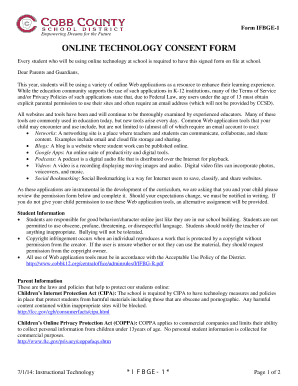
Get Online Technology Consent Form - Cobb County School
How it works
-

Open form follow the instructions
-

Easily sign the form with your finger
-

Send filled & signed form or save
How to fill out the ONLINE TECHNOLOGY CONSENT FORM - Cobb County School online
Completing the Online Technology Consent Form for Cobb County School is essential for enabling students to access various online technologies that enhance their educational experience. This guide will provide clear, step-by-step instructions to ensure that you can fill out the form accurately and efficiently.
Follow the steps to successfully complete the Online Technology Consent Form.
- Press the ‘Get Form’ button to obtain the Online Technology Consent Form and open it in the editor.
- Review the introductory information carefully, which outlines the importance of this consent form and explains how online tools will be utilized in your child's education.
- Locate the 'Permission Slip' section in the form. Here, you will indicate whether you grant permission for your child to use the online web tools provided by the school.
- Check the box next to ‘YES’ if you give permission for your child to use these web tools, or check the box next to ‘NO’ if you do not grant permission.
- In the 'Student Name' field, please print your child’s full name clearly. This will help to identify who the consent applies to.
- Fill in the name of your child’s homeroom teacher in the designated space to assist the school in proper form processing.
- Have your child sign their name in the section labeled 'Student Signature'. This signifies their acknowledgment of the consent requested.
- As a parent or guardian, you must sign in the 'Parent/Guardian Signature' space to authorize the consent.
- Enter the date of completion in the section provided. This date is important for record-keeping purposes.
- Once all fields are completed, ensure to save any changes you've made. You can then download, print, or share the completed form as needed.
Complete the Online Technology Consent Form today to enable your child's access to beneficial online educational tools!
In order to verify residency within the District, two or more of the following items (no more than one from each category) are required: home ownership documentation or lease/rental agreement; and. current utility monthly statement.