Loading
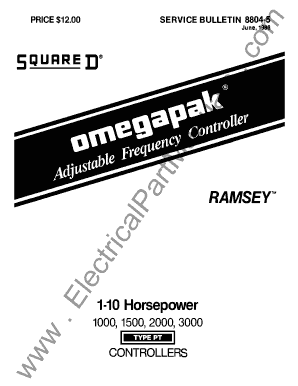
Get 8804-5. - Drives - Square-d - Omegapak -
How it works
-

Open form follow the instructions
-

Easily sign the form with your finger
-

Send filled & signed form or save
How to fill out the 8804-5. - DRIVES - SQUARE-D - OMEGAPAK - online
This guide provides a comprehensive overview of how to fill out the 8804-5 form for DRIVES - SQUARE-D - OMEGAPAK online. It offers step-by-step instructions that are clear and accessible to users with varying levels of experience in digital document management.
Follow the steps to successfully complete the 8804-5 form online.
- Click the ‘Get Form’ button to obtain the form and open it in the online editor.
- Begin filling out the header section, including the controller model, type, and any applicable options or specifications as required. Ensure all information matches the exact specifications of your OMEGAPAK controller.
- Proceed to the next section and enter the necessary operational details such as input power requirements and wiring configurations. Ensure accuracy in details to avoid operational issues later.
- Review installation steps and details, providing any necessary adjustments or comments based on visual inspections or equipment conditions.
- Complete the troubleshooting and maintenance guidelines by filling out any relevant sections or checklists that include preventative measures and operational standards.
- After thoroughly reviewing all sections, make any final adjustments or changes needed prior to the submission.
- Once all fields are completed and reviewed, proceed to save the changes, download, print, or share the finalized form as appropriate.
Start filling out your 8804-5 form online now to ensure your OMEGAPAK controller is set up correctly!
Fillable Adobe PDFs allow you to complete a form right on your computer. This cuts down on errors and expedites processing. However, not all browsers are compatible with the fillable PDF form. Depending on the browser you are using, you may see different results when you attempt to complete a fillable PDF.