Loading
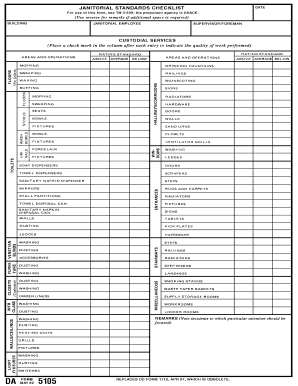
Get Da 5105 1982-2026
How it works
-

Open form follow the instructions
-

Easily sign the form with your finger
-

Send filled & signed form or save
How to fill out the DA 5105 online
Filling out the DA 5105 online can streamline your document management process. This guide will provide you with clear and comprehensive steps to ensure accurate completion of the form.
Follow the steps to successfully complete the DA 5105 online.
- Click ‘Get Form’ button to access the document and open it in your preferred editor.
- Begin by entering your personal information in the designated fields. This typically includes your name, address, and contact information. Ensure all entries are accurate and current.
- Proceed to the next section, which may require additional details such as your identification number or other pertinent identifiers. Pay close attention to any required formatting for these fields.
- Review any instructions related to specific fields. Some information may need to be consistent with other documents or records, so ensure accuracy.
- Complete any optional sections if they apply to your situation. Providing this information may help in expediting the processing of your document.
- After filling in all required fields, carefully review the entire form for any errors or omissions. Consider using a checklist to ensure every section is addressed.
- Once satisfied with your entries, proceed to save your changes. You may also download a copy for your records or print the form if necessary.
- Finally, share the completed form with the relevant parties or submit it according to the specified guidelines outlined in the form.
Start filling out your documents online today for a seamless experience.
To fill out a withholding allowance form successfully, start by gathering your financial documents and personal information. The form typically requires your income details and the number of allowances you wish to claim. DA 5105 offers valuable guidance to help you navigate this process effectively, ensuring that you optimize your withholding amounts.