Loading
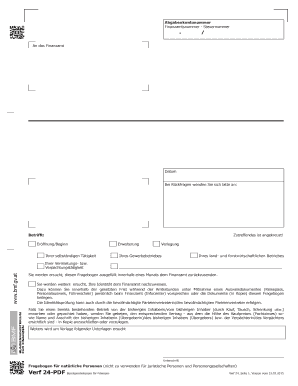
Get Verf24
How it works
-

Open form follow the instructions
-

Easily sign the form with your finger
-

Send filled & signed form or save
How to fill out the Verf24 online
Filling out the Verf24 is a straightforward process that requires careful attention to detail. This guide provides step-by-step instructions to help users complete the form accurately and efficiently.
Follow the steps to complete the Verf24 online successfully.
- Press the ‘Get Form’ button to access the Verf24 form and open it in your preferred editor.
- Begin by entering your personal information in the designated fields. This includes your full name, address, and social security number.
- Indicate your marital status by selecting the appropriate option from the available choices. This is crucial for tax purposes.
- Provide your date of birth and confirm if you have previously been registered for taxation under any account number.
- Fill in contact details where you can be reached during the day, ensuring to provide a valid phone number.
- If applicable, list any additional sources of income, such as from employment or pension, and specify the anticipated amount for the current year.
- Complete the sections related to your business activity, including the type of business and its start date.
- If relevant, indicate whether you are applying for a VAT number and ensure to attach any necessary documentation as required.
- Review all entered information for accuracy to avoid potential delays or issues with processing.
- Finally, save your changes, and if necessary, download or print the completed form to submit it as required.
Start filling out your Verf24 online today to ensure timely submission and compliance.