Loading
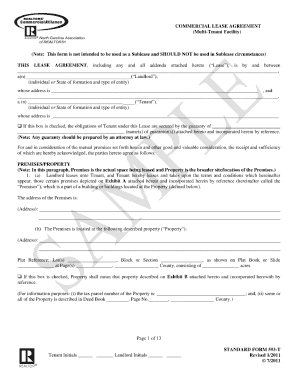
Get Ncar Sf 593-t 2011-2026
How it works
-

Open form follow the instructions
-

Easily sign the form with your finger
-

Send filled & signed form or save
How to fill out the NCAR SF 593-T online
Filling out the NCAR SF 593-T online is a straightforward process that ensures your information is captured accurately. This guide will walk you through each section of the form, providing clear instructions to help you complete it successfully.
Follow the steps to fill out the NCAR SF 593-T online easily.
- Click ‘Get Form’ button to obtain the document and open it in the editor.
- Review the header section of the form, which typically includes the title, NCAR SF 593-T, and any necessary instructions.
- Proceed to the identification section, where you will need to enter your personal information such as name, address, and contact details.
- In the next section, provide any relevant identification numbers or references as requested, ensuring they are accurate.
- Complete the purpose of the form section by specifying the reason for submitting the NCAR SF 593-T. Be clear and concise.
- If applicable, fill out any additional sections that pertain to your specific situation, such as data pertaining to the subject matter of the form.
- Review all entered information carefully to confirm accuracy and completeness.
- Once all sections are completed, you can save your changes, download the document, print it, or share it as needed.
Start filling out the NCAR SF 593-T online today to streamline your document management process!
Leases are not required to be recorded in North Carolina, but doing so can be beneficial. Recording a lease provides an official record that may help prevent legal disputes. If you decide to record, the NCAR SF 593-T can serve as a solid foundation for your lease agreement, ensuring all important details are included.