Loading
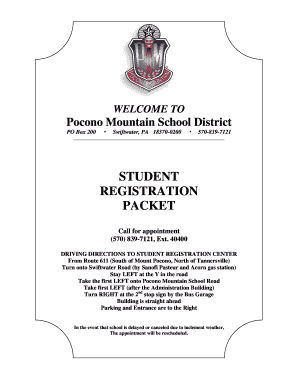
Get Student Registration Packet - Pocono Mountain School District - Pmsd
How it works
-

Open form follow the instructions
-

Easily sign the form with your finger
-

Send filled & signed form or save
How to fill out the STUDENT REGISTRATION PACKET - Pocono Mountain School District - Pmsd online
Filling out the Student Registration Packet for the Pocono Mountain School District is an essential step in enrolling your child in school. This guide provides clear, step-by-step instructions to help you complete the required fields and submit the form online with confidence.
Follow the steps to successfully complete the student registration packet.
- Press the 'Get Form' button to obtain the registration packet and open it in your editor.
- Begin by providing student biographical information. Include the student's name, birthdate, age, and grade entering. Be sure to indicate if proof of age documentation is attached.
- Fill out the required sections regarding previous school attendance, including the name and contact information of the last school attended. Answer questions about grade retention and previous attendance in Pennsylvania schools.
- Indicate the race code and primary ethnicity of the student according to the options provided. Ensure to select one race code and one primary ethnicity.
- Provide details about the adult residents with whom the student resides, including names, addresses, and contact information.
- Complete the educational services section by checking any relevant services your child is currently receiving.
- Address any additional household information necessary, including details about transportation arrangements and other children living at the same address.
- Fill out the emergency contact information with names, relationships, and contact details of individuals who can be reached if necessary.
- Complete the student health history form. Include details about medical conditions, medications, allergies, and any physical limitations if applicable.
- Fill out the parental registration sworn statement. Ensure to check the appropriate boxes regarding previous suspensions or expulsions.
- Review all sections for accuracy, save your changes, and prepare the document for submission. You may then download, print, or share the completed registration packet as needed.
Start completing your student registration packet online today to ensure your child is ready for the upcoming school year.
The draft of the policy from December allows for khaki or black bottoms, as well as oxford or polo shirts in specified colors. Pocono Mountain East students would wear solid red, white, gray or black tops, while West students would wear solid navy blue, white, gray or black tops, all without logos.