Loading
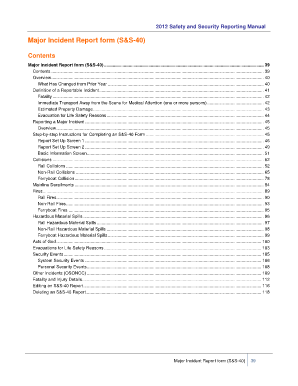
Get Reportable Incident Report Form (s&s-40) - Ntdprogram
How it works
-

Open form follow the instructions
-

Easily sign the form with your finger
-

Send filled & signed form or save
How to fill out the Reportable Incident Report Form (S&S-40) - Ntdprogram online
This guide provides clear and comprehensive instructions for completing the Reportable Incident Report Form (S&S-40) - Ntdprogram online. By following these steps, users can ensure accurate reporting of major incidents in transit environments.
Follow the steps to complete the form successfully.
- Click ‘Get Form’ button to obtain the form and open it in the designated editor.
- Complete Report Set Up Screen 1 by selecting the Mode/Type of Service, the month in which the incident occurred, and checking the appropriate incident type.
- Proceed to Report Set Up Screen 2, where you indicate if there were any fatalities or immediate transports for medical attention, estimated property damage, or evacuations for life safety reasons.
- Fill out the Basic Information Screen with the date, time, approximate address of the incident, and a brief description of the incident.
- For any collision incidents, provide details in the respective Collision Event Information screens based on whether it's a rail, non-rail, or ferryboat collision.
- If applicable, report on fires or hazardous material spills according to the specified screens.
- Complete any necessary details regarding personal security events or system security events.
- At the end of the form, you will have options to save changes, download, print, or share the form.
Complete your incident reporting online to ensure timely and accurate submissions.
Include details about what happened before the incident, the incident itself, and actions that were taken immediately after. If you are writing down your opinion of what caused the incident or what you think happened, be sure to note that it is an assumption.
Industry-leading security and compliance
US Legal Forms protects your data by complying with industry-specific security standards.
-
In businnes since 199725+ years providing professional legal documents.
-
Accredited businessGuarantees that a business meets BBB accreditation standards in the US and Canada.
-
Secured by BraintreeValidated Level 1 PCI DSS compliant payment gateway that accepts most major credit and debit card brands from across the globe.