Loading
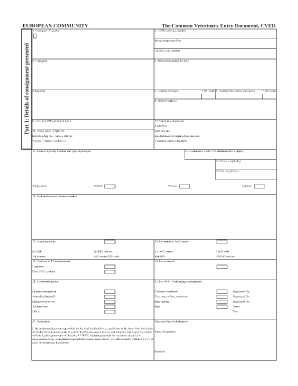
Get European Community
How it works
-

Open form follow the instructions
-

Easily sign the form with your finger
-

Send filled & signed form or save
How to fill out the EUROPEAN COMMUNITY online
Filling out the EUROPEAN COMMUNITY document online can streamline your process, ensuring that your information is submitted accurately and efficiently. This guide provides clear instructions on navigating the form, making the task manageable for users at all experience levels.
Follow the steps to complete the EUROPEAN COMMUNITY form online.
- Press the ‘Get Form’ button to acquire the form and open it in your editor of choice.
- Begin by entering your personal information in the designated fields such as your name, address, and contact details. Ensure that all details are accurate and up-to-date.
- Move to the next section, which typically involves providing additional information relevant to the purpose of the document. Follow the prompts carefully to fill out each field.
- Review all entered information for completeness and accuracy. Consider seeking assistance if any section is unclear.
- Once you have completed the form, you can save your changes, download a copy for your records, or print the document if a physical copy is needed. Additionally, share the form as required.
Complete your EUROPEAN COMMUNITY document online today!
The Treaty merging the executives of the 3 Communities (the European Coal and Steel Community, the European Economic Community and Euratom) is signed in Brussels and enters into force on July 1, 1967.