Loading
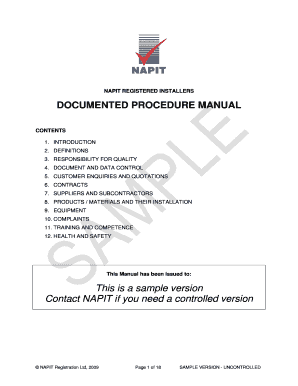
Get Napit Registered Installers
How it works
-

Open form follow the instructions
-

Easily sign the form with your finger
-

Send filled & signed form or save
How to fill out the NAPIT REGISTERED INSTALLERS online
Filling out the NAPIT REGISTERED INSTALLERS form online is a vital step for companies looking to register and comply with industry standards. This guide provides clear, step-by-step instructions to help users effectively complete the form and ensure all necessary information is submitted accurately.
Follow the steps to fill out the NAPIT REGISTERED INSTALLERS form.
- Press the ‘Get Form’ button to access the NAPIT REGISTERED INSTALLERS form and open it in the electronic editor.
- Begin by entering the company name in the designated field. Ensure that the name matches the official registration documents.
- Select the company type from the dropdown menu, indicating whether your organization is a sole trader, partnership, limited company, etc.
- If applicable, provide the company registration number to validate your organization's identity.
- Fill in the main office address, including street name, city, and postal code. This geographic information helps establish your operational base.
- Provide the main office telephone number and contact email address to facilitate communication with NAPIT.
- List any regional offices you may have, including the regions they cover and their respective addresses, if necessary.
- Describe the scope of work your company undertakes, ensuring you include activities that are part of the NAPIT certification process.
- Identify any consumer protection schemes your company is a member of and the date your membership began.
- Review all entered information for accuracy and completeness before submitting the form. Once confirmed, you can save changes, download, print, or share the completed form.
Complete your NAPIT REGISTERED INSTALLERS application online today to enhance your business’s credibility and compliance.
If you are a domestic installer that needs to register onto a Part P scheme, you will need to achieve the City & Guilds 2382-10 electrical courses qualification within 12 months of being accepted by your chosen governing body.
Industry-leading security and compliance
US Legal Forms protects your data by complying with industry-specific security standards.
-
In businnes since 199725+ years providing professional legal documents.
-
Accredited businessGuarantees that a business meets BBB accreditation standards in the US and Canada.
-
Secured by BraintreeValidated Level 1 PCI DSS compliant payment gateway that accepts most major credit and debit card brands from across the globe.