Loading
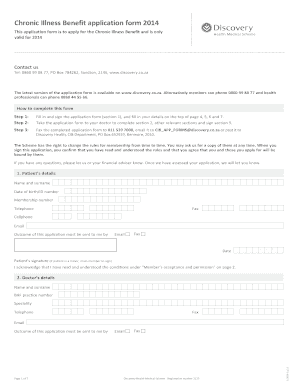
Get Chronic Illness Benefit Application Form - Discovery
How it works
-

Open form follow the instructions
-

Easily sign the form with your finger
-

Send filled & signed form or save
How to fill out the Chronic Illness Benefit Application Form - Discovery online
Filling out the Chronic Illness Benefit Application Form - Discovery is a crucial step for individuals seeking assistance for chronic health conditions. This guide provides a clear and supportive pathway to navigate each section of the application form effectively.
Follow the steps to complete the application form online.
- Click ‘Get Form’ button to obtain the form and access it in your preferred online editor.
- Begin by filling in and signing the application form in section 1. Ensure to provide your details in the designated fields at the top of pages 4, 5, 6, and 7.
- Take the completed application form to your healthcare provider. They will need to fill out section 2 and any other relevant sections, as well as sign section 9.
- Once the form is fully completed, submit it via fax to 011 539 7000, email it to CIB_APP_FORMS@discovery.co.za, or send it by post to Discovery Health, CIB Department, PO Box 652919, Benmore, 2010.
Complete your application form online today to ensure timely support for your health needs.
Related links form
A: Medication that is taken on a daily basis for a period exceeding 6 months is defined as Chronic medication.