Loading
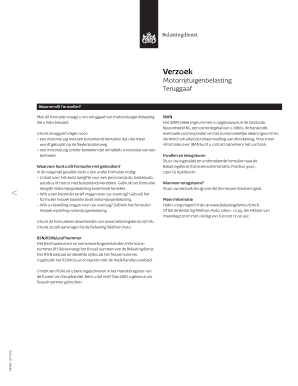
Get Verzoek Motorrijtuigenbelasting Teruggaaf
How it works
-

Open form follow the instructions
-

Easily sign the form with your finger
-

Send filled & signed form or save
How to fill out the Verzoek Motorrijtuigenbelasting Teruggaaf online
Filling out the Verzoek Motorrijtuigenbelasting Teruggaaf is essential for users seeking a refund of motor vehicle tax they have paid. This guide provides a clear, step-by-step approach to help you complete the form online with ease.
Follow the steps to successfully submit your request for a tax refund.
- Press the ‘Get Form’ button to download the document and open it for editing.
- Begin by entering your personal information in the 'Gegevens aanvrager' section. Fill in your name, street address, postal code, city of residence, phone number, RSIN/fiscal number, and IBAN. Ensure that the IBAN includes your name as the account holder.
- In the 'Verzoek teruggaaf' section, provide the registration number (kenteken) of your vehicle. If your vehicle does not have a registration number, enter the identification number (chassis number) found on your vehicle's registration document.
- Specify the reason for your refund request in the 'Reden verzoek' field. Ensure to be clear and concise about the reason for the refund.
- Indicate the effective date of the new situation, particularly for cases involving vehicles that have obtained a registration number.
- Sign the form by placing your signature within the designated area. Include the date and location where you are signing.
- After completing the form, review all entries for accuracy. Save your changes, then download, print, or share the completed form as needed.
Complete your Verzoek Motorrijtuigenbelasting Teruggaaf online today to ensure a smooth refund process.
De wegenbelasting (houderschapsbelasting) hoef je niet zelf op te zeggen. Deze opzegging gaat geheel automatisch zodra de auto is overgeschreven van naam en jij dus het vrijwaringsbewijs hebt ontvangen.