Loading
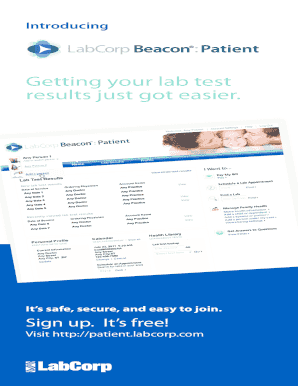
Get Labcorp Beacon
How it works
-

Open form follow the instructions
-

Easily sign the form with your finger
-

Send filled & signed form or save
How to fill out the Labcorp Beacon online
Completing the Labcorp Beacon form online is a straightforward process designed to make accessing your lab test results easier and more secure. This guide provides detailed instructions to help you through each step, ensuring that your experience is seamless and efficient.
Follow the steps to easily fill out the Labcorp Beacon form online.
- Press the ‘Get Form’ button to retrieve the Labcorp Beacon form and open it for editing.
- Begin by selecting ‘Sign up. It’s free!’ on the Labcorp Beacon home page. This action will initiate the registration process.
- Choose ‘Create a new account for myself’ from the drop-down menu to proceed with account creation for Labcorp Beacon.
- Connect with Microsoft HealthVault by clicking ‘Next’. If you already possess a Microsoft account, provide your username and password to sign in.
- If you do not have a Microsoft account, select ‘Sign up now’ and complete the required information to establish your account. Ensure to enter the verification characters displayed.
- Once your email is verified via communication from the Microsoft account team, click ‘OK’ to continue the setup process on HealthVault.
- Input your password when prompted and select ‘Sign in’ to access your new account.
- Review and verify the information presented on the create HealthVault account screen. Make any necessary corrections and click ‘Accept & continue’ to proceed.
- Authorize Labcorp Beacon to access your HealthVault information by reviewing and clicking ‘Allow access’ when prompted.
- Complete the final setup by entering the requested information on the Step 2: Set up account screen.
Start your journey to manage your lab results online with Labcorp Beacon today!
Getting Results How do I access my lab test results? Lab results are delivered to your Labcorp Patient™ portal account. Log in or register online. For more information, you may also see our Notice of Privacy Practices.
Industry-leading security and compliance
US Legal Forms protects your data by complying with industry-specific security standards.
-
In businnes since 199725+ years providing professional legal documents.
-
Accredited businessGuarantees that a business meets BBB accreditation standards in the US and Canada.
-
Secured by BraintreeValidated Level 1 PCI DSS compliant payment gateway that accepts most major credit and debit card brands from across the globe.