Loading
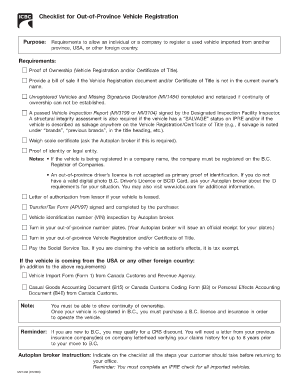
Get Unregistered Vehicles And Missing Signatures Declaration
How it works
-

Open form follow the instructions
-

Easily sign the form with your finger
-

Send filled & signed form or save
How to fill out the Unregistered Vehicles And Missing Signatures Declaration online
Filling out the Unregistered Vehicles And Missing Signatures Declaration is an essential step in the process of registering an unregistered vehicle. This guide provides comprehensive step-by-step instructions to help users navigate the online form with ease.
Follow the steps to complete the declaration accurately.
- Click 'Get Form' button to obtain the declaration form and open it in your preferred editor.
- Begin by entering your full name in the designated field. Ensure that you provide the correct legal name as it appears on identification documents.
- Next, fill out your contact information, including your phone number and email address. This will help authorities contact you if there are any questions regarding your submission.
- Proceed to describe the vehicle in question by entering its vehicle identification number (VIN), make, model, and year of manufacture. It is crucial that these details match the documents related to the vehicle.
- If you cannot establish continuity of ownership, you will need to provide details regarding missing signatures. Specify the name and contact information of any previous owners related to the vehicle.
- Include any additional information requested in the form, such as the circumstances surrounding the vehicle's registration status.
- Review all entered information for accuracy. Make sure that no fields are left incomplete, as this may delay the processing of your declaration.
- Once you have verified that all the information is correct, save the form changes. You may have options to download, print, or share the completed form.
Complete your Unregistered Vehicles And Missing Signatures Declaration online today for a smoother vehicle registration process.
go to your local Autoplan broker to complete the transfer of ownership and update the registration, then license and insure it. before the vehicle can be registered in B.C., in most cases you'll need: the vehicle's current registration.
Industry-leading security and compliance
US Legal Forms protects your data by complying with industry-specific security standards.
-
In businnes since 199725+ years providing professional legal documents.
-
Accredited businessGuarantees that a business meets BBB accreditation standards in the US and Canada.
-
Secured by BraintreeValidated Level 1 PCI DSS compliant payment gateway that accepts most major credit and debit card brands from across the globe.