Loading
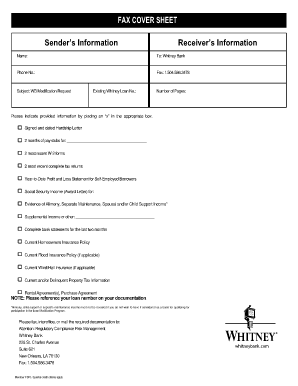
Get Whitney Bank Personal Financial Statement
How it works
-

Open form follow the instructions
-

Easily sign the form with your finger
-

Send filled & signed form or save
How to fill out the Whitney Bank Personal Financial Statement online
Completing the Whitney Bank Personal Financial Statement online is an essential step for individuals seeking financial assistance. This guide provides clear, step-by-step instructions to help users navigate each section of the form with ease and confidence.
Follow the steps to complete your financial statement online.
- Click ‘Get Form’ button to obtain the financial statement and open it in your preferred online editor.
- Begin by filling in your personal information, including your name, contact details, and the existing Whitney Loan number, if applicable. Ensure all details are accurate and up to date.
- In the next section, provide your monthly income details. List your gross salary, other income sources, and total net income. For any income that you prefer not to disclose, such as child support, you can choose not to include it.
- Proceed to the assets section. You will need to account for cash, savings, 401(k), and other assets. Be precise in your entries to give an accurate picture of your financial status.
- Next, fill out the monthly expenses section. Provide information about your mortgage or rent payments, other debts, and regular living expenses, ensuring that you detail each item clearly.
- Answer the general questions thoroughly. These questions will help assess your financial situation and may require additional information for a comprehensive review.
- Once all sections are completed, review your entries for accuracy. After verifying that all information is correct, you can save the changes, download, print, or share the completed document as needed.
Complete your Whitney Bank Personal Financial Statement online today to take the next step in managing your financial needs.
How To Fill Out the Personal Financial Statement Step 1: Choose The Appropriate Program. ... Step 2: Fill In Your Personal Information. ... Step 3: Write Down Your Assets. ... Step 4: Write Down Your Liabilities. ... Step 5: Fill Out the Notes Payable to Banks and Others Section. ... Step 6: Fill Out the Stocks and Bonds Section.