Loading
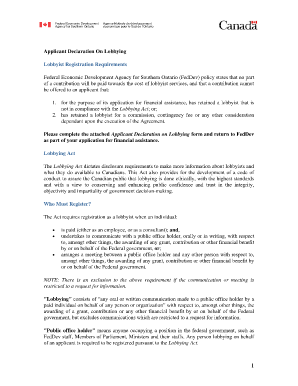
Get Feddev Treasury Form
How it works
-

Open form follow the instructions
-

Easily sign the form with your finger
-

Send filled & signed form or save
How to fill out the Feddev Treasury Form online
Filling out the Feddev Treasury Form is a crucial step in applying for financial assistance from the Federal Economic Development Agency for Southern Ontario. This guide provides clear, step-by-step instructions to help you complete the form accurately and efficiently.
Follow the steps to successfully complete the Feddev Treasury Form online.
- Click ‘Get Form’ button to obtain the form and open it in your browser.
- Begin by providing the names of any employees who have been or are expected to be in communication with public office holders regarding your project in the designated field.
- Next, indicate whether the sum of all lobbying activities undertaken by your organization constitutes more than 20% of the duties of any one person by selecting Yes or No.
- If you answered Yes, make sure to file an in-house lobbyist return and include a printout from the Lobbyists Registration System.
- Proceed to answer if your organization, or a third party on its behalf, has retained a consultant lobbyist by selecting Yes or No and providing the consultant's name, address, and the date of retention if applicable.
- Respond to whether your organization has made any payment contingent upon the approval of the application or hiring of a lobbyist by selecting Yes or No.
- If you answered Yes to previous steps that involve the use of lobbyist services, confirm whether the lobbyist is compliant with the Lobbying Act by selecting Yes or No.
- Finally, review all provided information for accuracy, sign the form, and enter the date.
- Once completed, save your changes, download a copy of the form, and choose to print or share it as needed.
Complete your Feddev Treasury Form online today for a smooth application process.
TreasuryDirect: Getting your IRS Form 1099 Go to your TreasuryDirect account. Choose the ManageDirect tab. Under "Manage My Taxes", choose the relevant year. Near the top of your "Taxable Transaction Summary", choose the link to view your 1099.