Loading
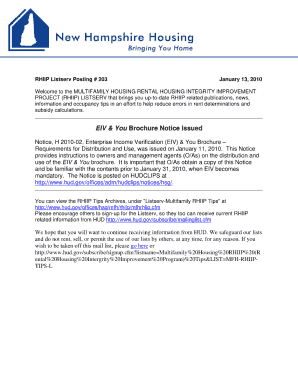
Get Eiv & You Brochure Notice Issued
How it works
-

Open form follow the instructions
-

Easily sign the form with your finger
-

Send filled & signed form or save
How to fill out the EIV & You Brochure Notice Issued online
Filling out the EIV & You Brochure Notice Issued is essential for providing users with important information. This guide will help you understand each component of the form and how to complete it online effectively.
Follow the steps to successfully complete the EIV & You Brochure Notice Issued.
- Click ‘Get Form’ button to access the form and open it for editing.
- Begin by entering your name in the designated field. Ensure that all provided information is accurate and up to date.
- Fill in your contact information, including your email address and phone number, to facilitate communication.
- Review the sections that provide guidance and information about the EIV & You program. Familiarize yourself with the details to understand your rights and responsibilities.
- If applicable, provide any additional information that may be requested in the designated fields.
- Once you have completed all sections, review your entries for accuracy and completeness before submission.
- After verifying your information, save your changes. You may then download, print, or share the completed form as needed.
Complete your documents online today for a seamless experience.
Contract Administrators (HUD staff, PBCAs and TCAs) must use EIV for monitoring the owner's compliance with obtaining access to and using the EIV system. D. Independent Public Auditors (IPAs) and the Office of Inspector General (OIG) may use EIV for auditing purposes.