Loading
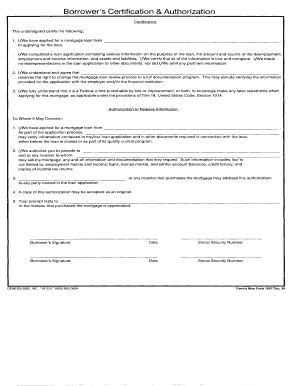
Get Borrower's Certification & Authorization
How it works
-

Open form follow the instructions
-

Easily sign the form with your finger
-

Send filled & signed form or save
How to fill out the Borrower's Certification & Authorization online
Filling out the Borrower's Certification & Authorization is an essential step in the loan application process. This guide provides clear and straightforward instructions to help users complete this form online with confidence.
Follow the steps to successfully fill out the Borrower's Certification & Authorization
- Press the ‘Get Form’ button to obtain the form and open it in the online editor.
- Begin by entering your personal information, including your full name, contact details, and Social Security number. Ensure all information is accurate to avoid delays.
- In the next section, provide details about your employment, including your employer's name, address, and your job title. This information helps verify your income.
- Next, disclose your financial information as requested, including your income sources, monthly expenses, and any outstanding debts. Be thorough and precise.
- Review the authorization section carefully. This part grants the lender permission to verify your financial information. Ensure you understand what you are authorizing.
- Finally, review all the information you have entered for accuracy. Once confirmed, you can save changes, download, print, or share the completed form as needed.
Complete your documents online for a smoother application process.
The authorization to access employment and income history from federal or state records, including SESA records, for this transaction continues in effect for one (1) year unless limited by state law, in which case the authorization continues in effect for the maximum period, not to exceed one (1) year, allowed by law.