Loading
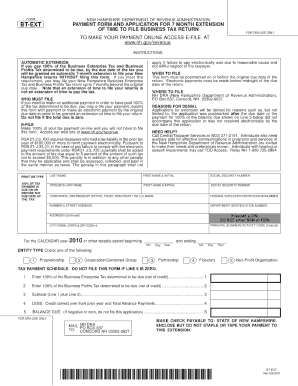
Get New Hampshire Extension Form Bt Ext Dp 59 A
How it works
-

Open form follow the instructions
-

Easily sign the form with your finger
-

Send filled & signed form or save
How to fill out the New Hampshire Extension Form Bt Ext Dp 59 A online
Filling out the New Hampshire Extension Form Bt Ext Dp 59 A online can be a straightforward process when you have the right guidance. This guide will provide you with step-by-step instructions to ensure that you complete the form accurately and efficiently.
Follow the steps to fill out the form online with ease.
- Click the 'Get Form' button to obtain the form and open it in the editor.
- Begin by entering your personal information in the designated fields. This typically includes your full name, address, and contact information. Ensure that all details are accurate to prevent delays.
- Next, proceed to the section requesting specific information related to the extension. Be clear and concise in your responses, as this information is crucial for processing your request.
- If applicable, include any additional documentation or information that supports your application. This may be outlined in the instructions on the form.
- Review all entries for correctness before submitting. Double-check for any missing fields or errors that may affect the outcome of your application.
- Once you have completed all sections and verified your information, save your changes. You may also choose to download, print, or share the form as needed.
Start filling out your documents online for efficient management today!
The I&D Tax return, Form DP-10, is due on the 15th day of the 4th month following the end of the taxable period. The Form DP-10 and Form DP-10-ES Estimates may be obtain from the Department's website or by calling the Forms Line at (603) 230-5001.