Loading
Get Living Environment Regents Review
How it works
-

Open form follow the instructions
-

Easily sign the form with your finger
-

Send filled & signed form or save
How to fill out the Living Environment Regents Review online
This guide provides clear instructions for completing the Living Environment Regents Review form online. Whether you're a student preparing for your exam or a teacher assisting students, this step-by-step approach will help you effectively navigate the form and ensure that all necessary information is filled out accurately.
Follow the steps to successfully fill out the form.
- Press the ‘Get Form’ button to access the Living Environment Regents Review form and open it in your chosen editor.
- Begin filling out the document by entering your name at the top, where it says 'Name: _______________________________'.
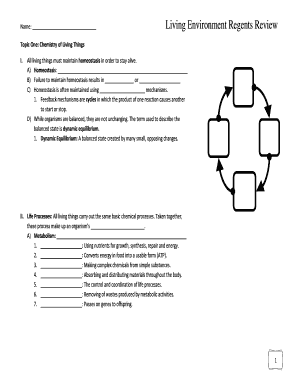
- Proceed to the first section titled 'Chemistry of Living Things.' Fill in the sections labeled A, B, C, etc., with the appropriate information based on your study materials.
- Continue to the next sections covering topics such as 'The Cell,' 'Nutrition, Photosynthesis and Respiration,' and 'The Human Body.' Carefully complete the fields by either typing or selecting the correct responses.
- Make sure to review all sections and double-check for any missing information or errors.
- Once you have completed the form, you can save your changes, download the completed document, print it for your records, or share it with your instructor.
Complete the Living Environment Regents Review online for effective exam preparation.
The Living Environment Regents Exam includes four sections. The first three sections will test your understanding of cells, genetics, evolution, the human body and ecology. The fourth area will be used to assess your laboratory skills. The exam includes constructed-response and multiple-choice questions.