Loading
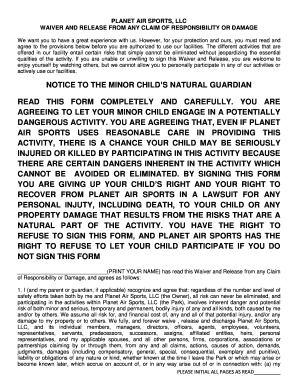
Get Planet Air Waiver
How it works
-

Open form follow the instructions
-

Easily sign the form with your finger
-

Send filled & signed form or save
How to fill out the Planet Air Waiver online
This guide provides clear, step-by-step instructions on filling out the Planet Air Waiver online. It is essential for users of all backgrounds to understand how to complete this form to ensure a safe and enjoyable experience at Planet Air Sports.
Follow the steps to complete your Planet Air Waiver seamlessly.
- Click ‘Get Form’ button to obtain the form and open it in the editor.
- Read through the entirety of the waiver. This is crucial for understanding the risks associated with the activities offered at the facility.
- In the participant section, enter your name, address, city, state, zip code, and phone number. Ensure all personal information is accurate.
- Input your date of birth in the format MM/DD/YY, ensuring you are at least 18 years old.
- Provide your driver’s license number and the state it was issued in for verification purposes.
- Sign and date the form. If you are a parent or guardian signing on behalf of a minor, include your name and sign where indicated.
- List the names and birthdates of all children under 18 who will be participating in the activities. This information must be included for each child.
- Once all information is completed, review the form for any potential errors or omissions to ensure accuracy.
- Finally, you can save your changes, download, print, or share the completed form as needed.
Complete your Planet Air Waiver online today to enjoy all the exciting activities at Planet Air Sports safely!